Section 4. Using the computer software
4-7
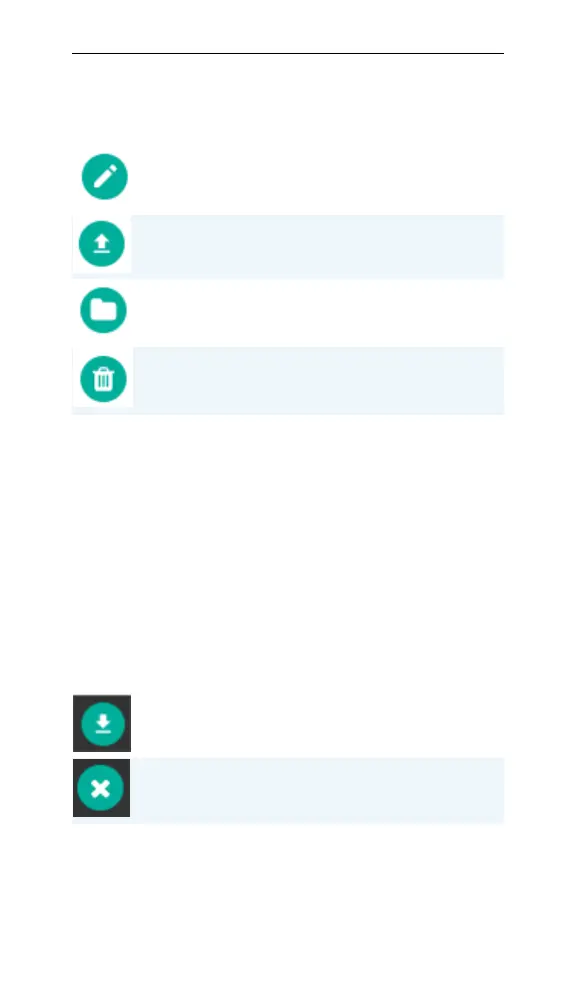
Edit Configuration: Edits a configuration locally. Edited
configurations must be re-uploaded to the LI-600.
Upload To Instrument: Uploads a configuration to LI-600.
To replace a configuration, select Replace. Select Upload
to complete.
Export To File: Exports the configuration as a PSAC file.
Delete Configuration: Removes the configuration from the
Local Configurations list.
Table 4-3. Configuration management buttons. (...-
continued)
Data Management
From Data Management, you download data from a
connected instrument to the software, and export it to
your computer as text and Excel files.
LI-600 data
Data on LI-600 lists the date of the last data download.
This section indicates the instrument’s serial number
and percent of data storage used.
Download Instrument Data: Downloads all processed data
on the LI-600 to the computer software. A data dump is
also downloaded as a precaution.
Clear Instrument Data: Removes all data from the LI-600.
Table 4-4. Data management buttons.



 To Next Page