LI-600 Porometer/Fluorometer Instruction Manual
7-4
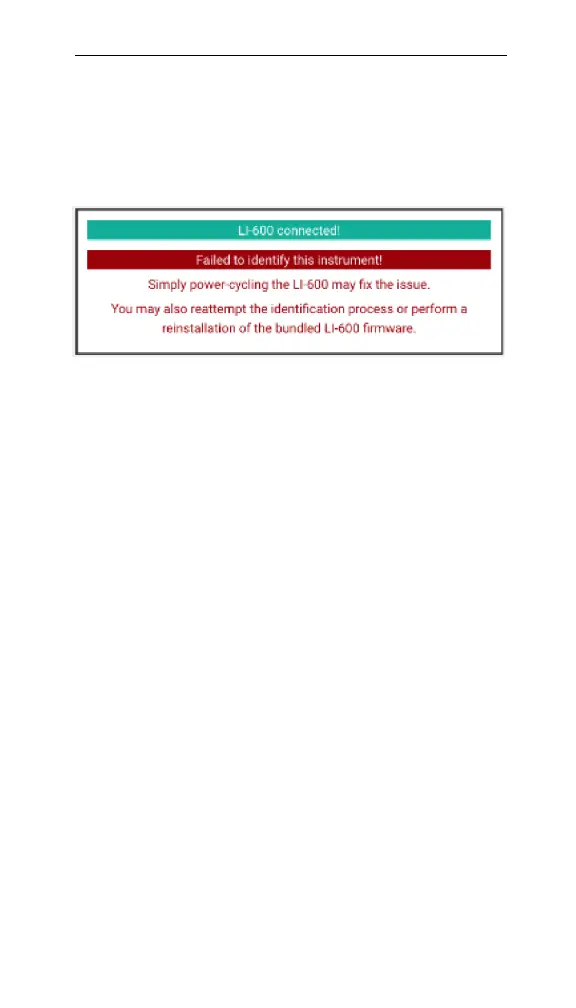
Software warning when updating the firmware
If you get a warning message when updating the firm-
ware, the instrument may have been disconnected while
updating the firmware.
Figure 7-3. Failed to identify this instrument!
An LI-600 is powered on and has been discovered by the
computer via USB, but it was disconnected while updat-
ing the firmware. Power cycle the LI-600 by turning it
off and on, then Reattempt Identification, or reinstall
the firmware. Check the USB cable and connection.
The new RH sensor serial number has not
updated
If the new RH sensor has not updated, it may have been
installed without updating the serial number. The RH
sensor serial number does not automatically update and
must be updated in the computer software to obtain the
correct calibration information.
If a new RH sensor is installed without updating the
serial number, the LI-600 will continue logging data
using the previous RH sensor serial number. Ensure that
the new RH sensor serial number has been updated in
the computer software(see Changing the RH sensors serial
number on page8-19).



 To Next Page