Section 4. Using the computer software
4-13
PASTEFROMCLIPBOARD: Paste delimited text that
has been copied onto your computer's clipboard.
IMPORTFROMFILE: Select a delimited text file from
your computer and import it to the BarcodesText field.
CLEARTEXT: Clear the contents of the BarcodesText
field.
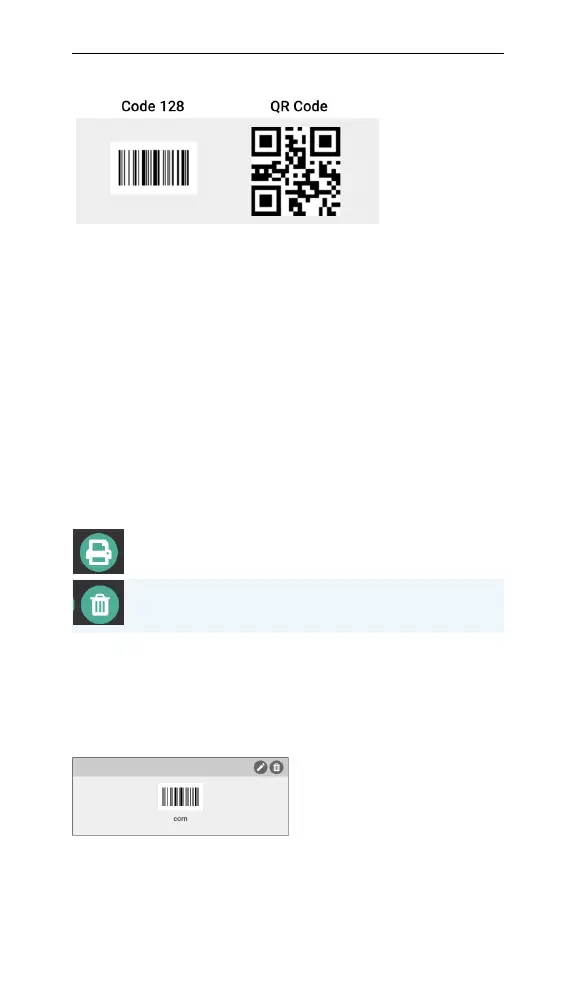
GENERATE BARCODES: Generate barcodes from the
text field and displays them in the bottom portion of
the window. The length of the text determines the
width of the barcode.
PRINTPREVIEW: View the barcodes with text as
they will appear on a printed page.
REMOVEALL: Clear the generated barcodes.
You can continue to add barcodes in either format until
you're ready to print or save them as a PDF.
Once generated, barcodes can be edited or removed indi-
vidually by using the icons in the upper right corner.
Figure 4-11. An editable barcode.



 To Next Page