More SDI-12 options
You can read information from the sensor in the Xterm program. This might be use-
ful for troubleshooting or configuring the device initially. Connect with the device
and select the Sensors tab (Figure 6-3 on page6-5). Click SDI... in the lower right to
open the Sensors tab.
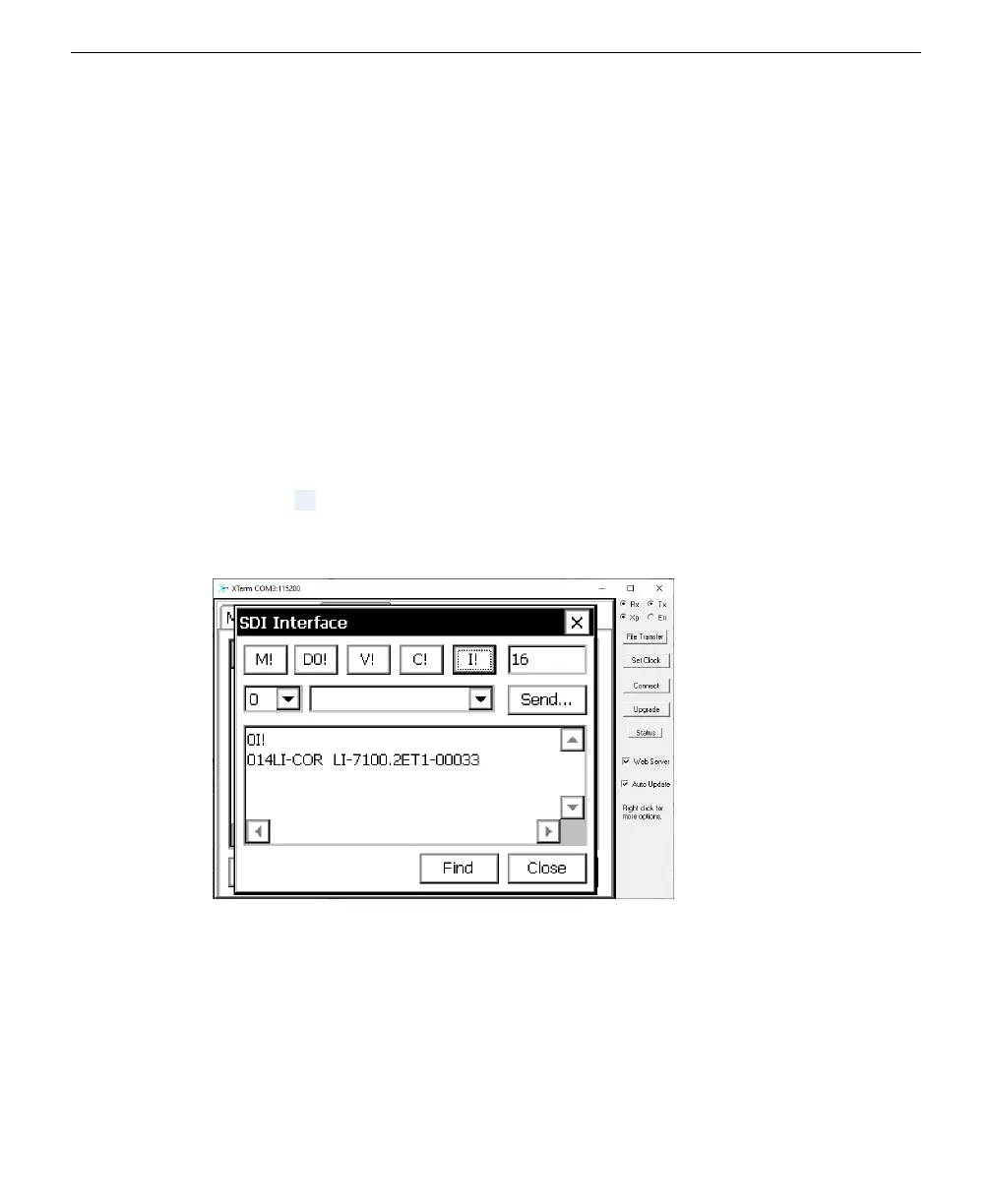
Find sensors
Click the Find button to initiate a query for all sensors connected to the SDI-12 ter-
minals. After a moment, the interface will present information (including the
addresses) of connected sensors.
Get information
Click the I! button to request information from the sensor. The sensor replies with
identifying information, including the device address, manufacturer, model, firm-
ware version, and serial number.
Section 6. Connecting to the Sutron 9210 datalogger
6-7More SDI-12 options



 To Next Page