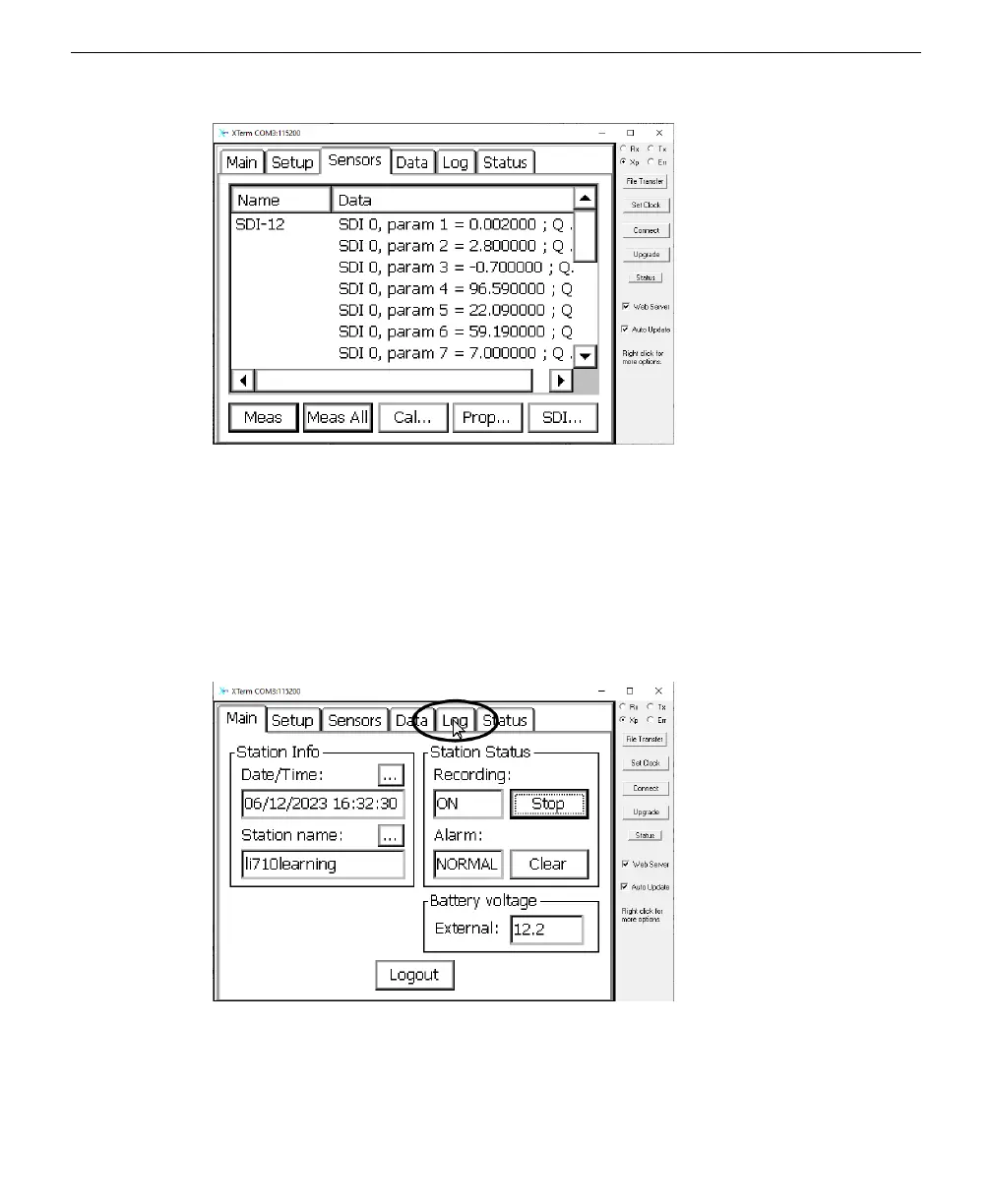
Figure 6-3. Measurements are presented in the Sensors tab.
Retrieving logged data
After data are logged to the datalogger internal memory, you can copy the data files
to your computer. Here's how:
1
Connect a computer to the datalogger using an RS-232-to-USB adapter or another method.
2
After a successful connection, select the Log tab.
3
Click Export.
Section 6. Connecting to the Sutron 9210 datalogger
6-5Retrieving logged data



 To Next Page