Section 4.
Using an SDI-12-to-USB translator
An SDI-12-to-USB translator can give access to the LI-710 configurations and results.
Requirements for this tutorial
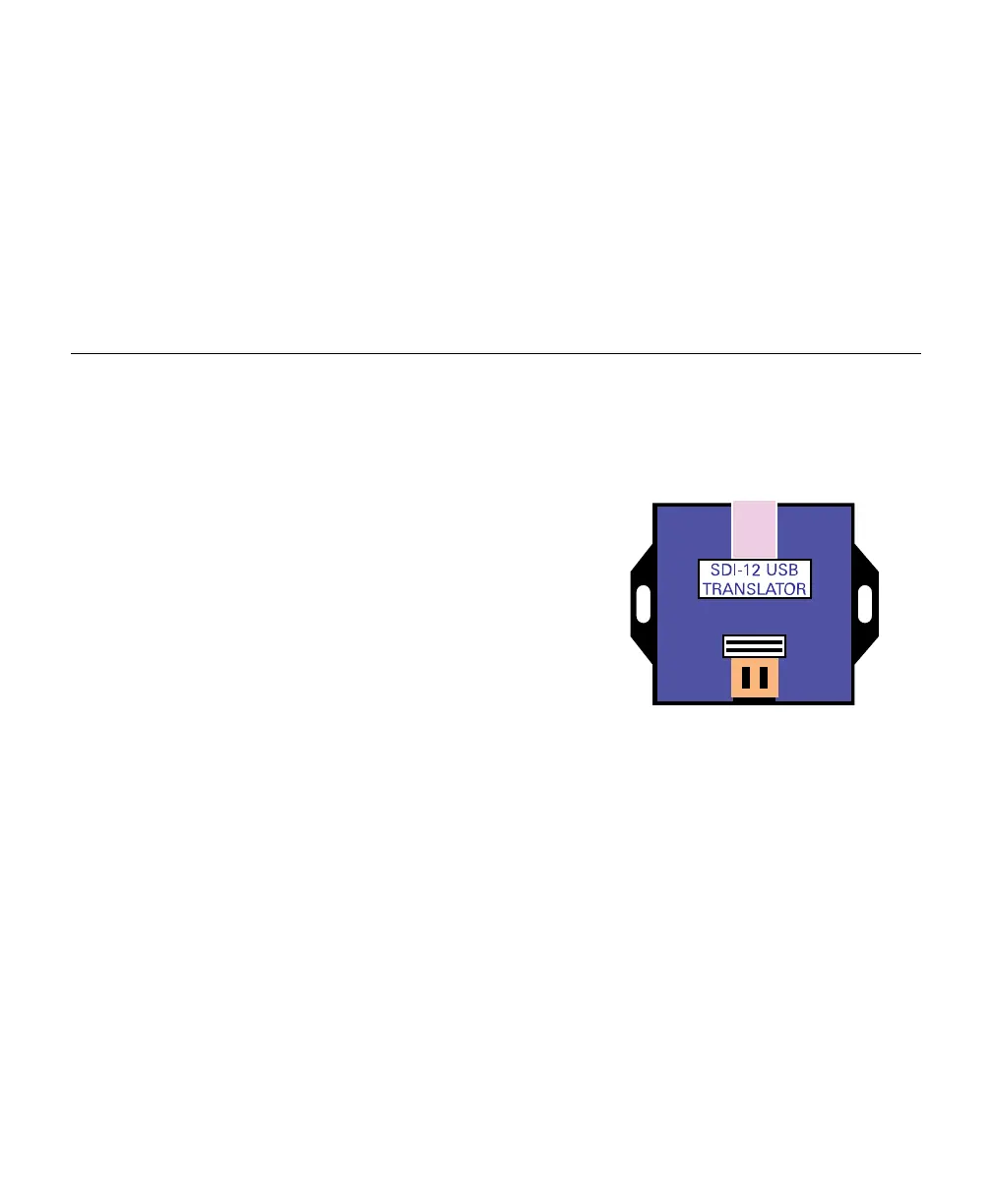
Figure 4-1. An SDI-12-to-USB translator
allows communication with the LI-710.
The following items are required to com-
plete this tutorial:
l
LI-710 Evapotranspiration Sensor.
l
SDI-12-to-USB Translator (we use the
vegetronix.com translator for this
tutorial).
l
Personal Computer (Windows OS).
l
Terminal Emulator (we use Tera
Term).
You'll connect the ground and BUS wires
from the LI-710 to the data and ground
connectors on the translator, and provide power to the LI-710 from an external
power supply (see Figure 4-2 on the next page).
Connecting the device
Connect the wires and power on the LI-710, then connect the USBcable to your
computer. The computer will establish a COM port, which may be indicated in the
notifications or found in the Device Manager.
4-1LI-710 Evapotranspiration Sensor Instruction Manual



 To Next Page