Communicating with a command-line interface
This section presents a variety of commands and replies that you can use to con-
figure and view data from the device. This is a practical tutorial; you won't do this
when the LI-710 is deployed. You'll do this to observe the configuration and famil-
iarize yourself with the data structure. Normally, communication with the LI-710
(including data logging) will be carried out by a data logger.
Use transparent mode
Some queries must be sent in transparent mode. This is accomplished by preceding
the command with a capital T. The letter is included where needed.
Get the address
To request the address of the sensor connected to the SDI-12 bus, enter the fol-
lowing.
l
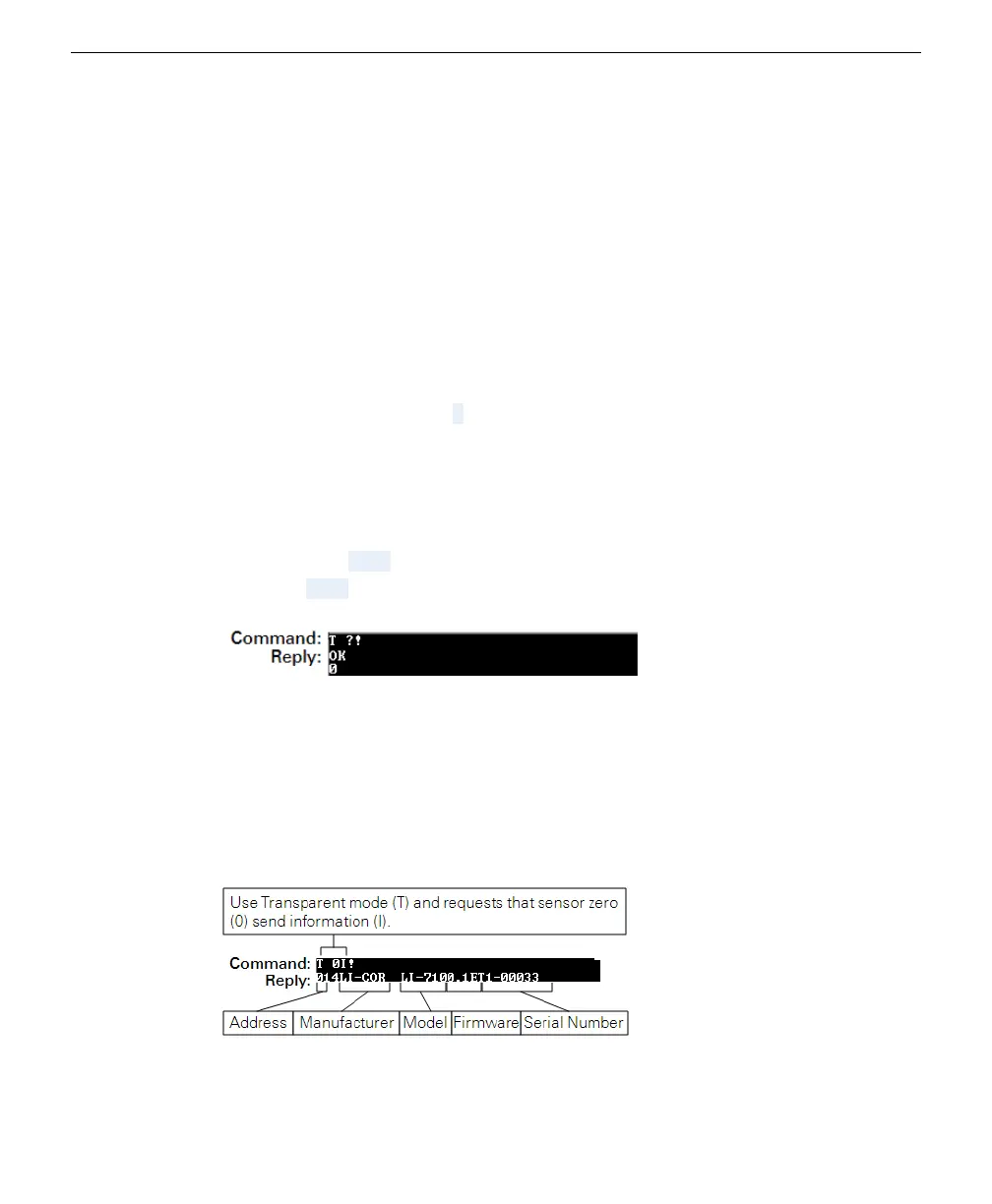
Command: T ?!
l
Reply: OK 0
The number in the reply (0 in this case) is the connected sensor's address.
Device information
Each LI-710 is configured with an address of 0. The first time you connect to an
LI-710, it should be the only device attached to the SDI-12 array. After connecting
initially, you can set the address and then power up the remaining SDI-12 devices.
Section 4. Using an SDI-12-to-USB translator
4-3Communicating with a command-line interface



 To Next Page