-117- v2.9
Sensors
7.1.3.3. Examples of use
Standalone Mode
This is an example of sensor measuring in Standalone Mode.
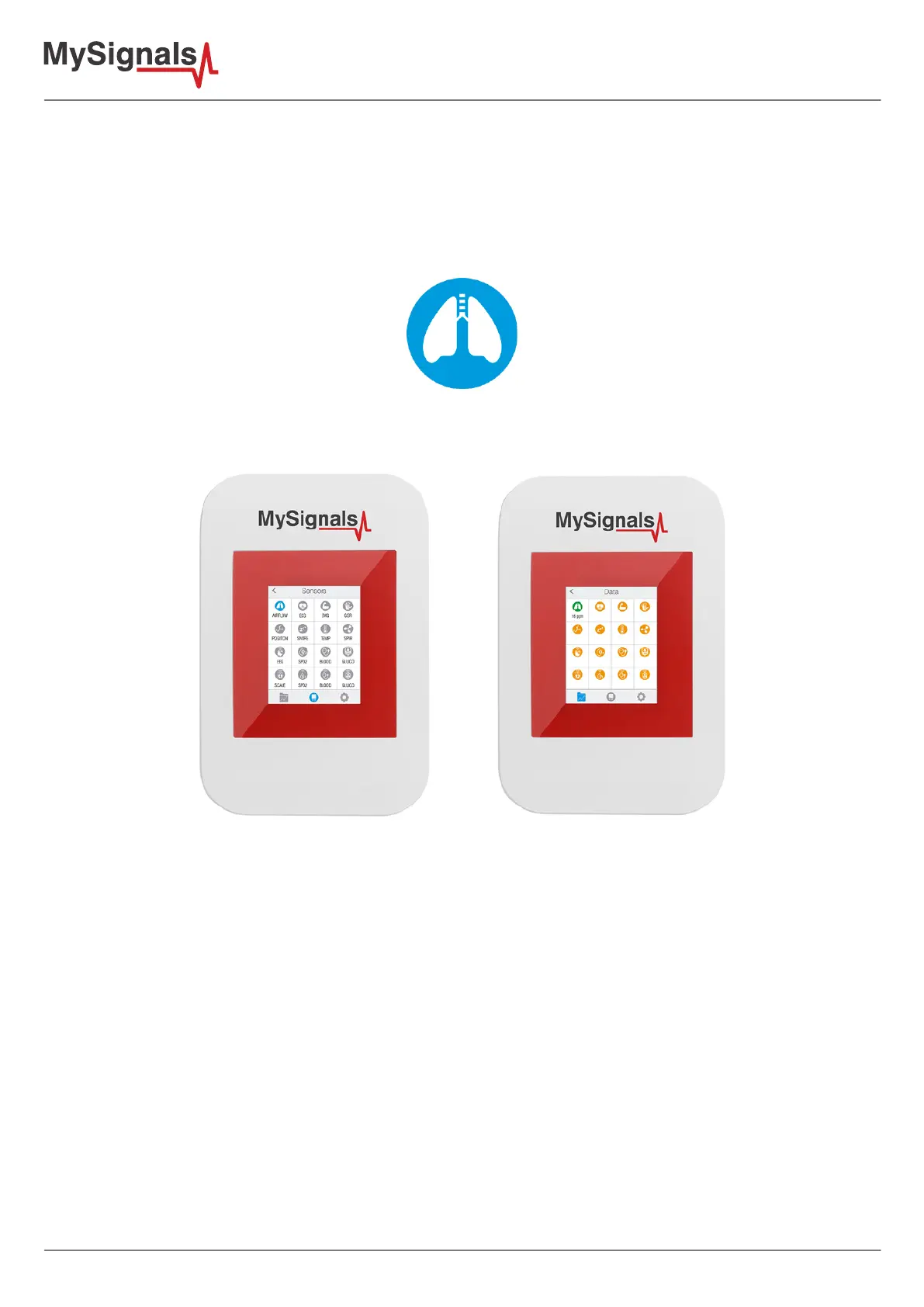
First of all select the sensor that you want to measure in the Select Sensors screen. Use the touchscreen pressing
in the correct symbol. You can see the selected sensors logos in blue color.
Figure: Selected sensor logo
Then you can go to General Sensor screen using the left down corner logo. MySignals will start to monitor all the
parameters in General Mode where it only show numeric values.
Figure: General mode and selecting general mode



 To Next Page