-249- v2.9
Sensors
7.3.1. Monitoring sensors
These set of sensors are bluetooth pulsioximeter, bluetooth temperature and bluetooth alarm. These three item
have the same steps to connect them.
Now we are going to describe how to connect each one and how to obtain data from each sensor with a set of
simple steps.
7.3.1.1. Connect to sensor
Go to sensors list screen and tap on one of these three sensors to select one, The rst time the application will
point to a new screen to select the sensor, make sure that the sensor if o before this new screen shows. Once
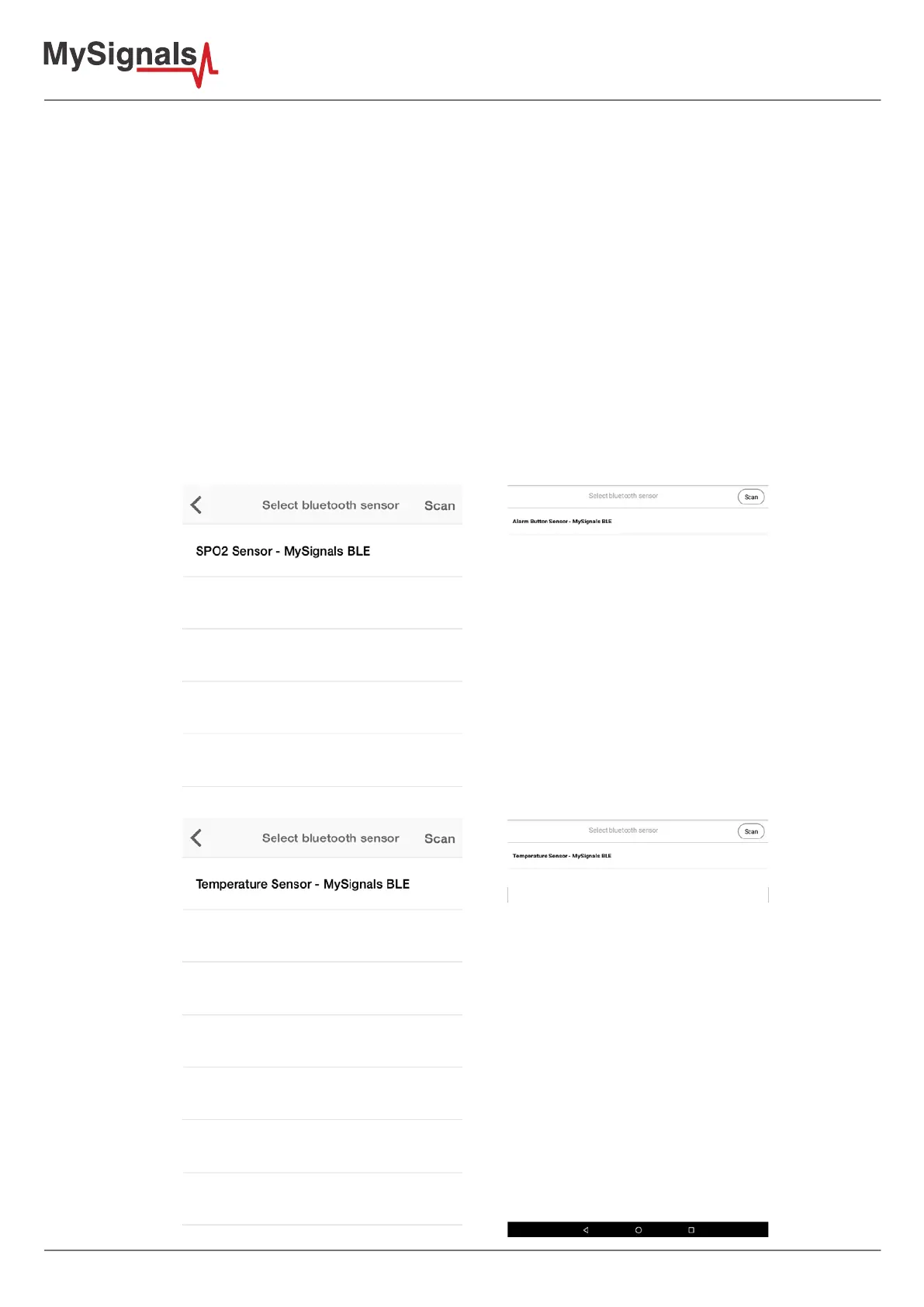
you turn on the bluetooth sensor the mobile application will discover sensor nearby, this screen will only show
sensors provided with MySignals.
For instance these are the examples you will nd when discovering new monitoring sensors:



 To Next Page