-4- v2.9
MySignals Software Development Platform
MySignals Software Development Platform
1. MySignals Software Development Platform
1.1. General and safety information
The following list shows just some of the actions that produce the most common failures and warranty-voiding cases.
Failure to comply with the recommendations of use will entail the guarantee cancellation.
Software:
• Update rmware version only using Libelium Smart Devices App . If a dierent Software is used, MySignals can
be damaged and can become unresponsive. This use will void the warranty.
• Use only MySignal Web Server Application or MySignals Mobile APP in order to congure and setup your
account and device.
• Do not unplug any connector while uploading code. MySignals can become unresponsive. This use will void
the warranty.
• Do not connect or disconnect any sensor or connector while MySignals is ON. MySignals can become unstable
or unresponsive, and internal parts can be damaged.
UPDATE: In February 2017 we have released new version of MySignals. Using this new version you can connect or
disconnect any sensor while MySignals is ON.
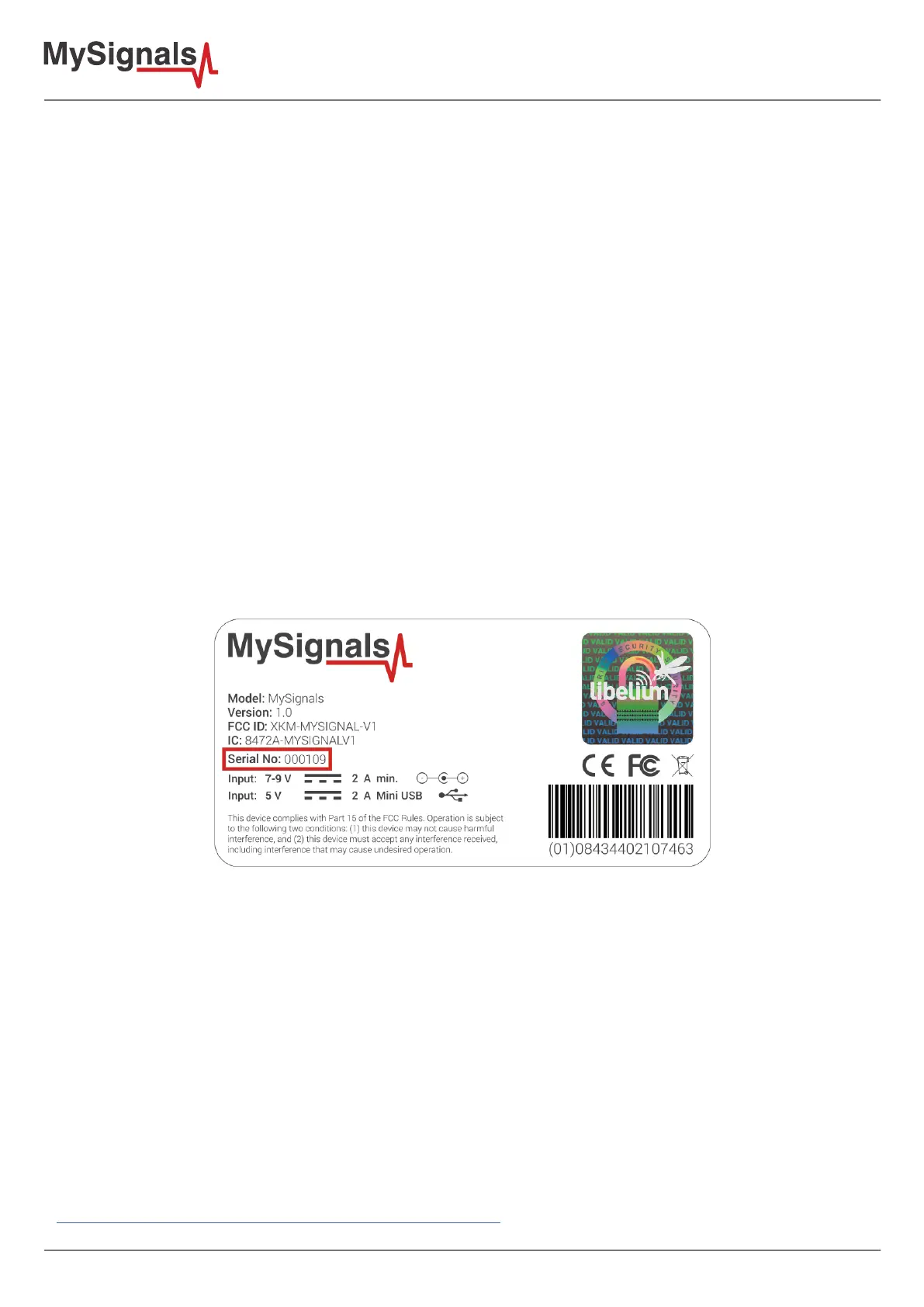
If the ID of your device is 109 of higher you are using the new model with this new feature.
Hardware:
• Do not handle black stickers seals on both sides of the enclosure (Warranty stickers). Their integrity is the
proof that MySignals has not been opened. If they have been handled, damaged or broken, the warranty is
void.
• Do not open MySignals in any case. This will automatically make the warranty void.
• Do not handle the four metallic screws of MySignals.
• Do not submerge MySignals in liquids.
• Do not place nodes on places or equipment where it could be exposed to shocks and/or big vibrations.
• Do not expose MySignals to temperatures below -10ºC or above 50ºC.
• Do not connect any sensor not provided by Libelium.
• Do not power MySignals with other power sources than the original provided by Libelium.
• Connect any sensor not provided by Libelium only under your responsability.
The document “General Conditions of Libelium Sale and Use” can be found at:
www.libelium.com/development/waspmote/technical_service



 To Next Page