-33- v2.9
Data Access
6. Data Access
MySignals SW includes three dierent modes to access all the information gathered from the sensors:
• Standalone Mode: MySignals does not send the data. It is just visualized on the TFT screen.
• Bluetooth Connection Mode: MySignals send the data to a mobile phone using the BLE connection. The data
is gathered an visualized by the MySignals App. Then if the Cloud option is enable, the data will be also
transferred to the user's account at the Libelium Cloud.
• Server Connection Mode: MySignals uses the WiFi connectivity to send the data directly to the Libelium Cloud.
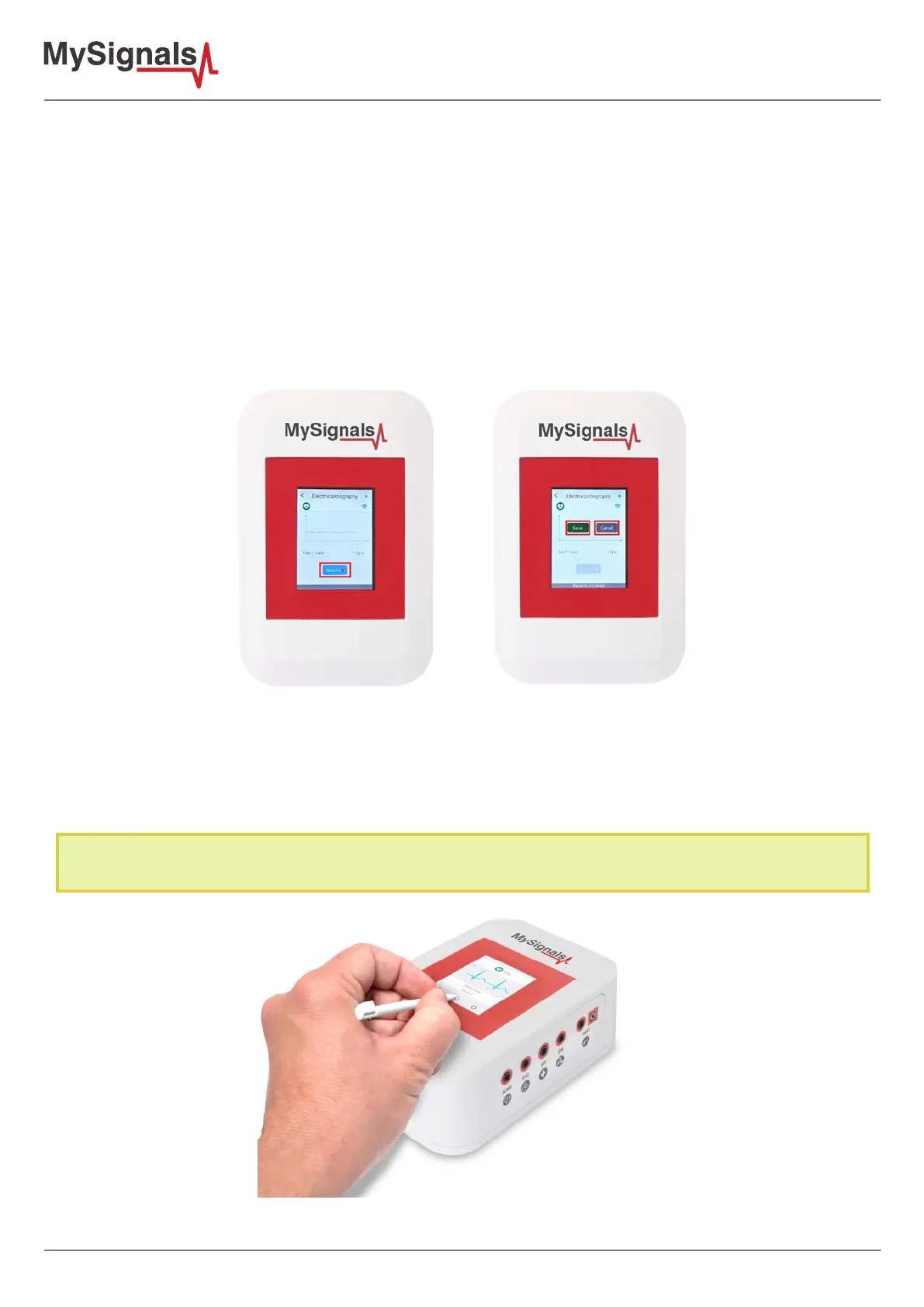
In February 2017 we have released new Firmware, Apps and Cloud versions that allow to record continuous waves and send
them to the Cloud (in Server Mode). You can record up to 30 seconds of the data measured in detail mode of ECG, EMG,
Snore and Airow.
6.1. MySignals Standalone Mode
This mode consists on displaying the information from the sensors directly on the MySignals screen without any
other external device. All you need is to navigate through the menus on the screen following this instructions.
MySignals includes a stick to navigate through the menu options of the touchscreen. Please use it for a correct
function of the device interface.
Figure: Touchscreen stick included



 To Next Page