-60- v2.9
Data Access
6.3.1. Using Server Connection Mode (WiFi mode)
If you are interested in using this mode you rst need to follow the steps in previous section “Bluetooth Connection
mode” in order to transmit to MySignals all the required information to send the data to the server: database user
and password, and your local WiFi name and password.
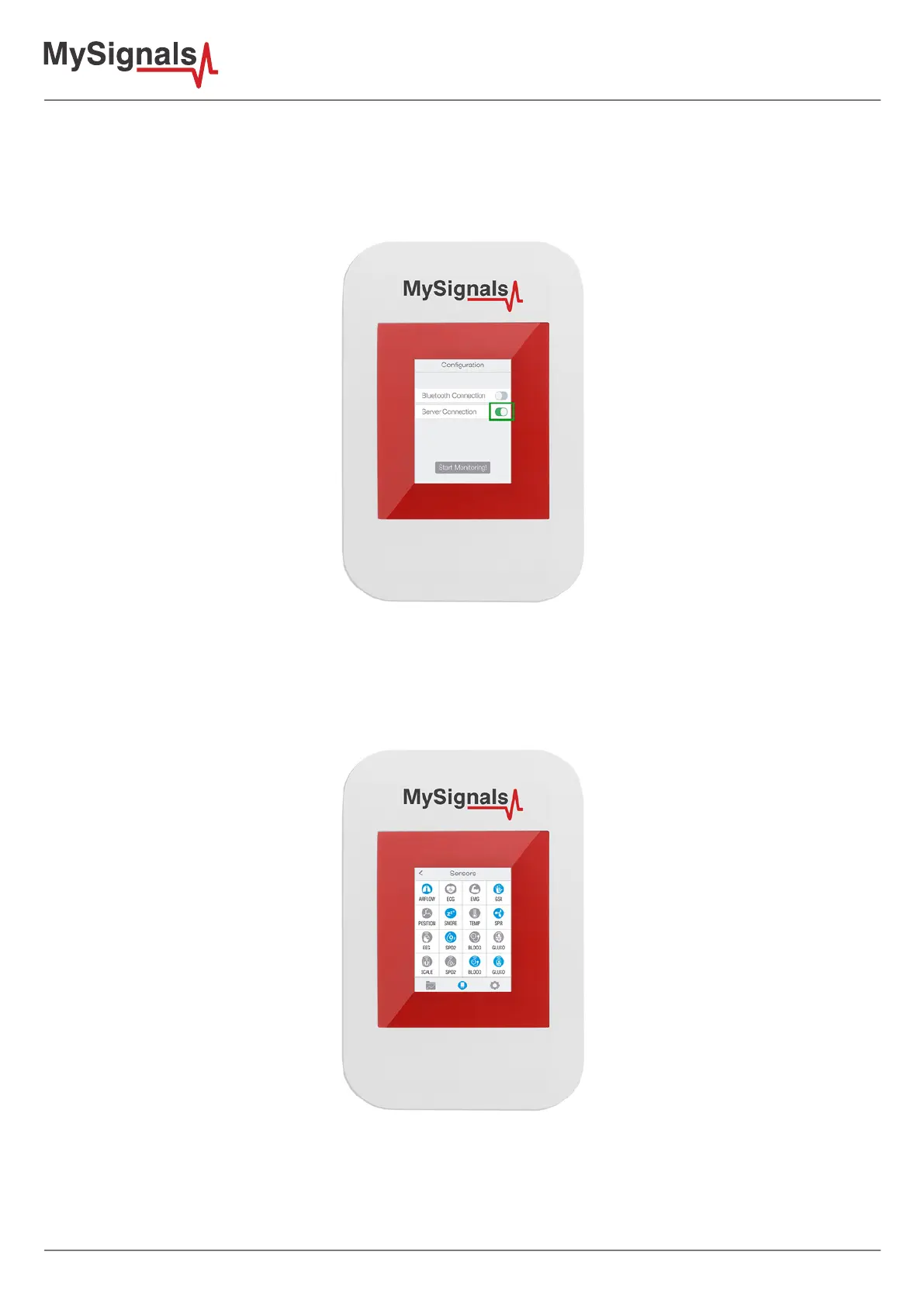
Figure: TFT WiFi conguration
If all the info entered in the last point is correct you will see a WiFi connection screen and automatically it will
direct you to “Select Sensors” screen. Here you can use everything as if you were in Standalone mode, with the
only dierence that the sensor data will be automatically sent to the server. You must select all the sensors that
you want to measure. Selected sensors are in blue color and unselected sensors are in gray color.
Figure: TFT Select Sensor



 To Next Page