-59- v2.9
Data Access
6.3. MySignals Cloud Application
The data sent via WiFi o BLE through the APP can be visualized on MySignals website.
Navigate through the history of previously stored data or even create many users in order to save the biometric
information linked to a specic prole.
MySignals allows to share data with the cloud, and perform real-time analysis.
How do I ensure the privacy of the biometric data sent?
Privacy is one of the key points in this kind of applications. For this reason the platform includes several security
levels:
• In the communication link layer: WPA2 for Wi and AES256 encryption.
• In the BLE communication: Bonded and encrypted connection.
• In the application layer: by using the HTTPS (secure) protocol we ensure a point to point security tunnel
between each sensor node and the web server (this is the same method used in bank transfers).
NOTE: The Firmware of MySignals SW manages all the sensors at the same time and monitors the response of
the screen and the touchscreen. For this reason sometimes during the measurement of dierent sensor like blood
pressure or other wireless sensors it will be able to perform one action at the same time, you have to wait it to nish
before being able to navigate or interact with the screen again.
Figure: Detail mode Web Server
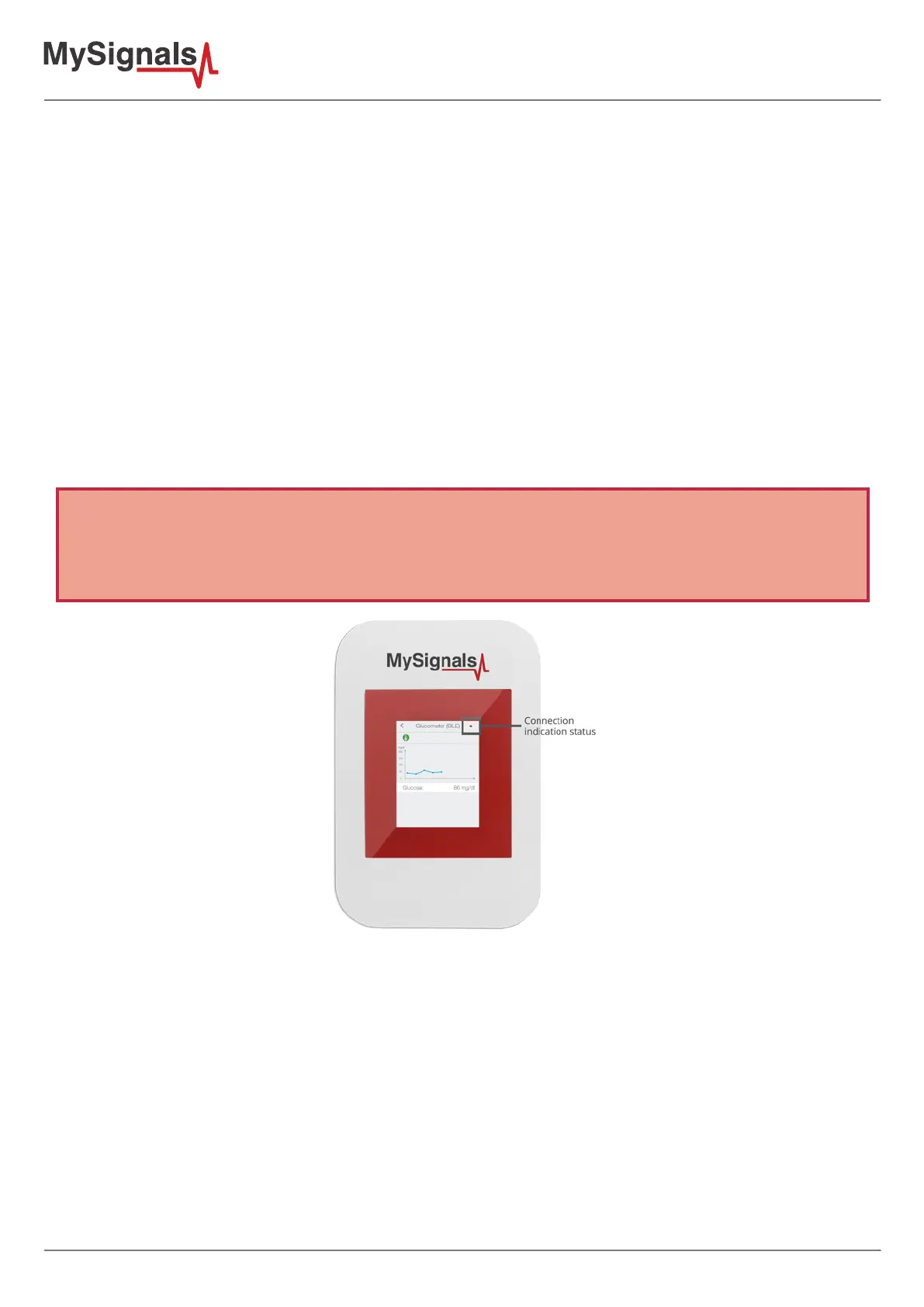
• Red color indicate that you can not use the touchscreen in this moment. So try to keep the zone pressed until
you receive a visual response on the tft.
• Green color indicate that you can use the touchscreen as usual.
There is available too in the bottom of the screen a black zone where mysignals will write text indications about
the actual state of the device.



 To Next Page