-61- v2.9
Data Access
Once you have completed your selection you must click on “Data” button, which you can nd at the left end of the
bottom toolbar.
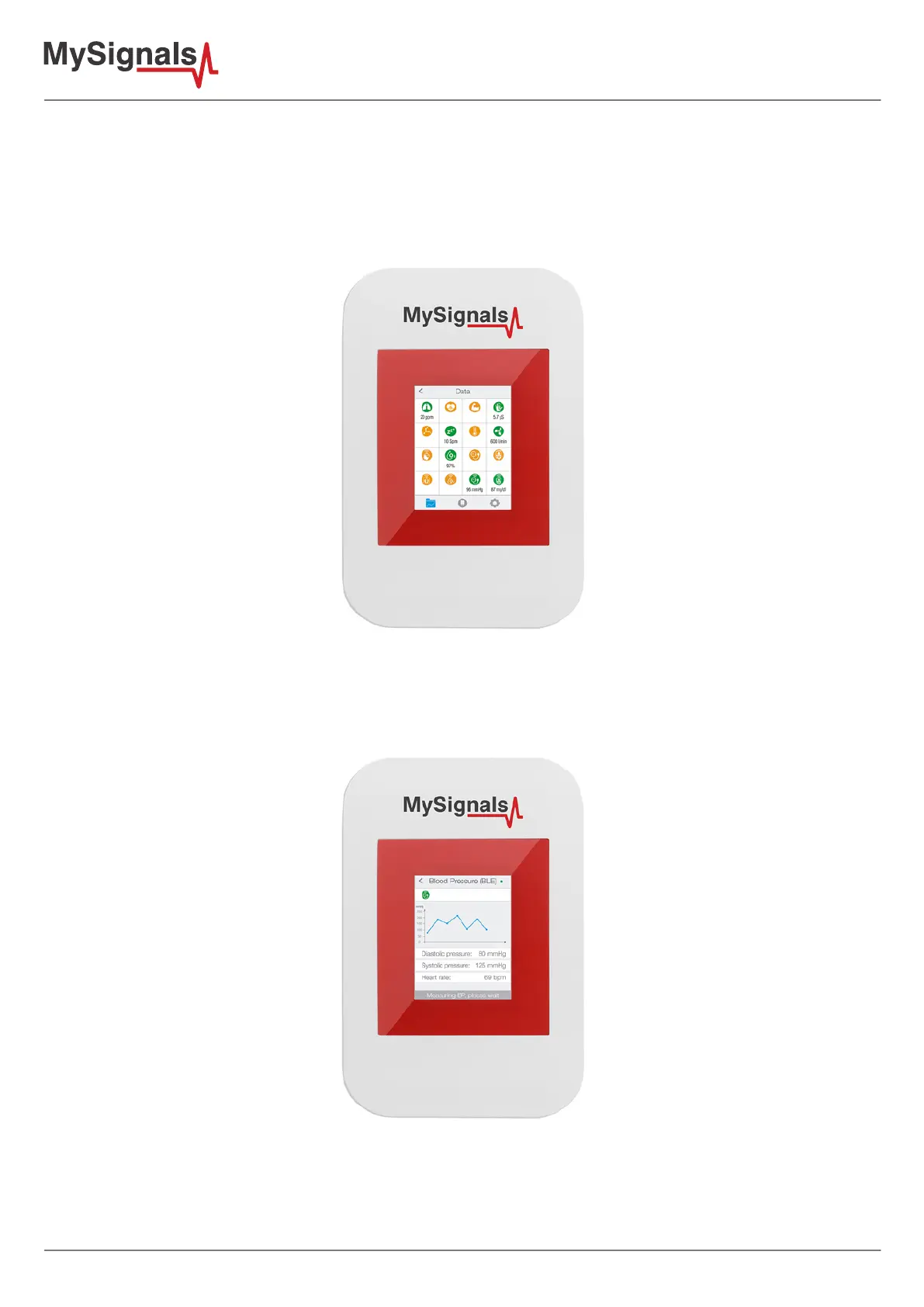
In “Data” screen you will be able to see in one glance the main information of all sensors at once. The selected
sensors will be green and sensors are not selected in red.
Figure: TFT General Sensor
If you are interested in viewing all the information in one particular sensor simply you have to click on it to enter a
detail sensor view. On this screen you can see a graph of one of the sensor values and all the detailed information
on a list view.
Figure: TFT Detail Sensor



 To Next Page