-140- v2.9
Sensors
7.1.5.2. Connecting the sensor
Connect the sensor in the Glucometer connector indicated in the MySignals Hardware board. The sensor cable
have only one way of connection to prevent errors and make the connection easier. Use the mini-jack connector
(2.5mm) to link the Glucometer with the MySignals board, using the normal jack connector (3.5mm) of the cable
in this side.
Before start using the glucometer we need one measure at least in the memory of the glucometer. After that we
can get all the information contained in the glucometer (date, glucose value).
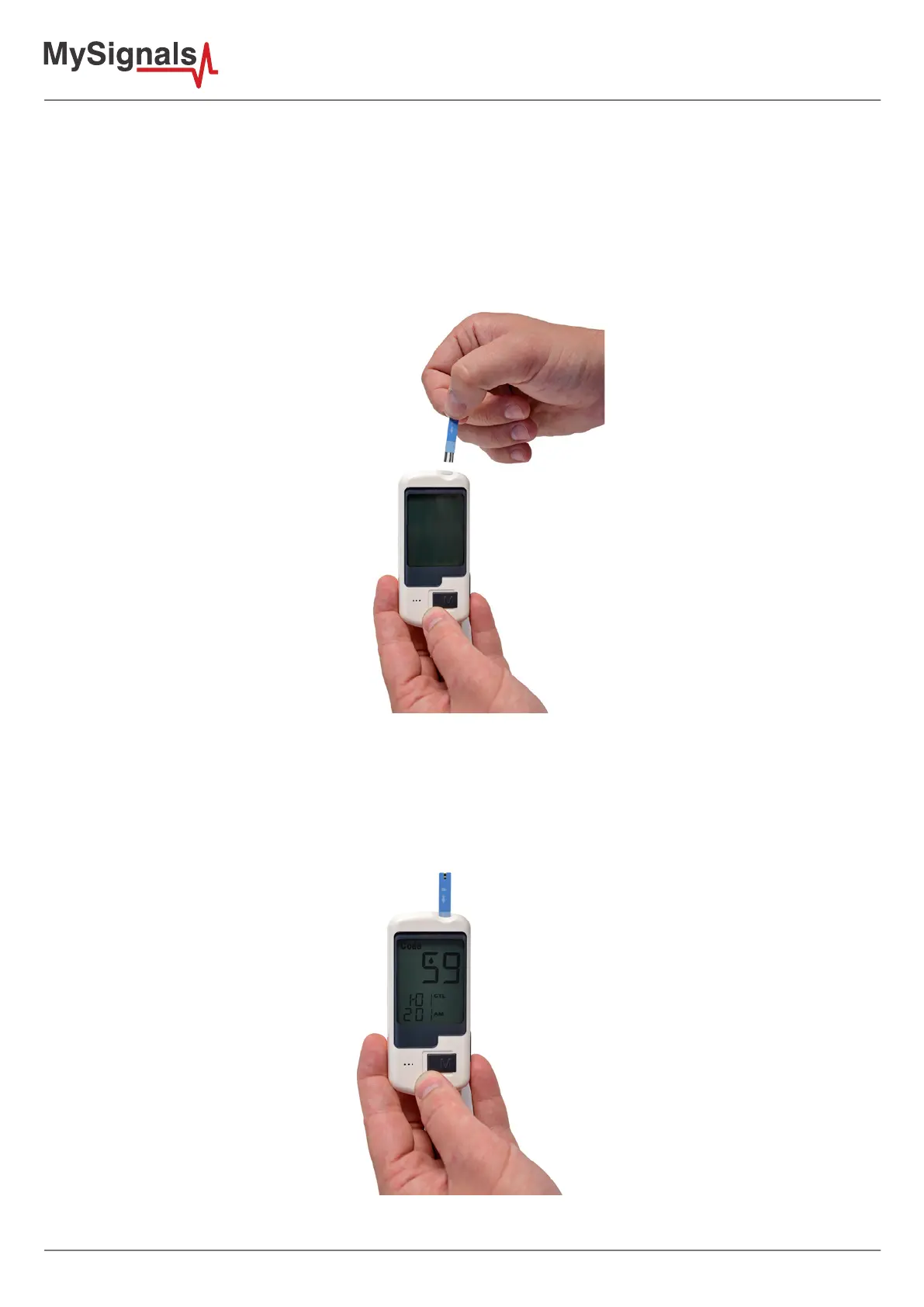
Figure: Insert strip in the glucometer.
Place a test strip in the machine when the machine is ready. Watch the indicator for placing the blood to the strip.
Once the test strip package is opened, it must be consumed within 3 months.
Figure: Ready for measurement glucometer



 To Next Page