-152- v2.9
Sensors
7.1.6.2. Connecting the sensor
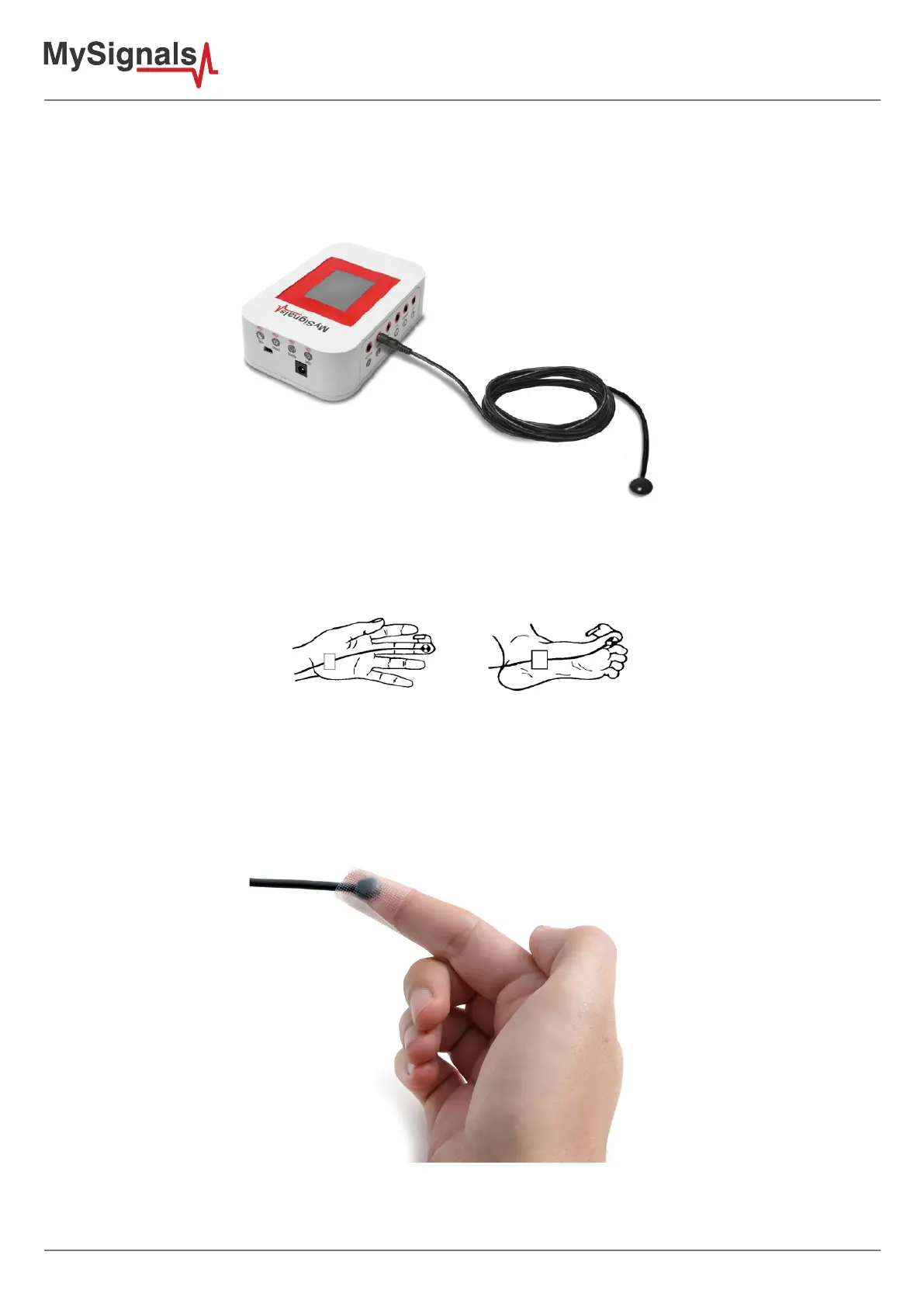
Connect the sensor in the Temperature connector indicated in the MySignals Hardware board. The sensor cable
have only one way of connection to prevent errors and make the connection easier.
Figure: MySignals Hardware Development Platform with Temperature connected
Place your sensor as shown in the image below.
Figure: Temperature sensor connection diagram
Make contact between the metallic part and your skin. Use a piece of adhesive tape to hold the sensor attached
to the skin.
Figure: MySignals Hardware Development Platform with Temperature situated in the user body



 To Next Page