-18- v2.9
Hardware
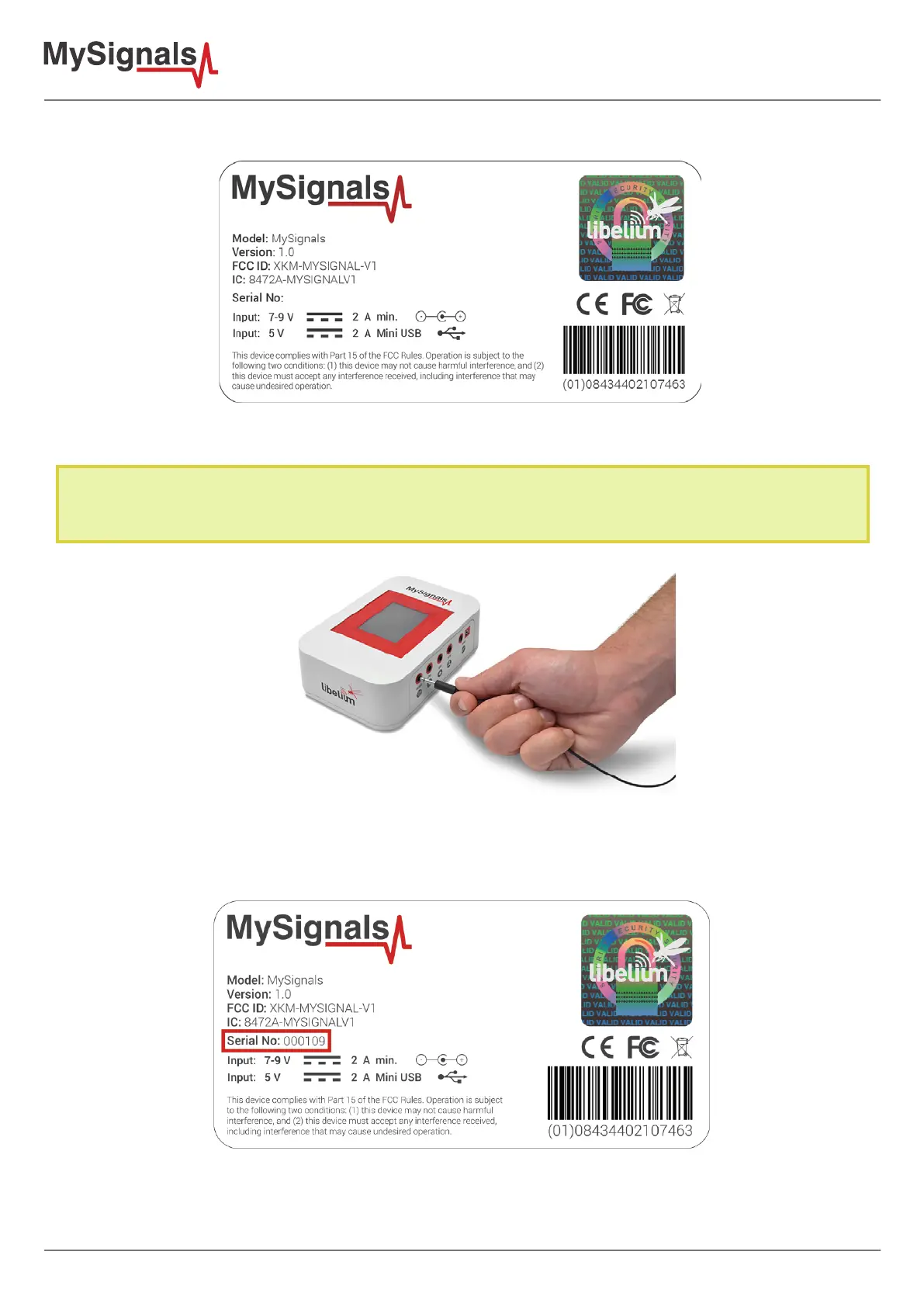
You can see all the information about the power supply in the label included in MySignals device.
Figure: Certication MySignals label
Do not connect or disconnect any sensor or connector while MySignals is ON. MySignals can become unstable or
unresponsive, and internal parts can be damaged. Connect all the sensors that you want to use with MySignals and
then turn it ON.
UPDATE: In February 2017 we have released new version of MySignals. Using this new version you can connect or
disconnect any sensor while MySignals is ON.
If the ID of your device is 109 of higher you are using the new model with this new feature.



 To Next Page