-221- v2.9
Sensors
7.2.1.2. Connecting the sensor
This sensor have not cable. This sensor send the data wirelessly to MySignals board.
• The device is designed to allow auto step on. The rst time you use the scale please ignore the initial reading
as this may reect the factory settings. The scale will be accurate as of the second use.
• For better results, always remove your shoes and socks.
• It is advisable to always take measurement at the same time of the day.
• Readings can be misleading after intensive exercise, excessive dietingor under extreme dehydration.
• Always weigh/use the scale on a hard and at surface.
• For children under 10 or adults over 100, the scale can only be used in regular weighing mode.
• For adults over 70, body builders or people with extreme tness levels, there may be deviations in the
measured data
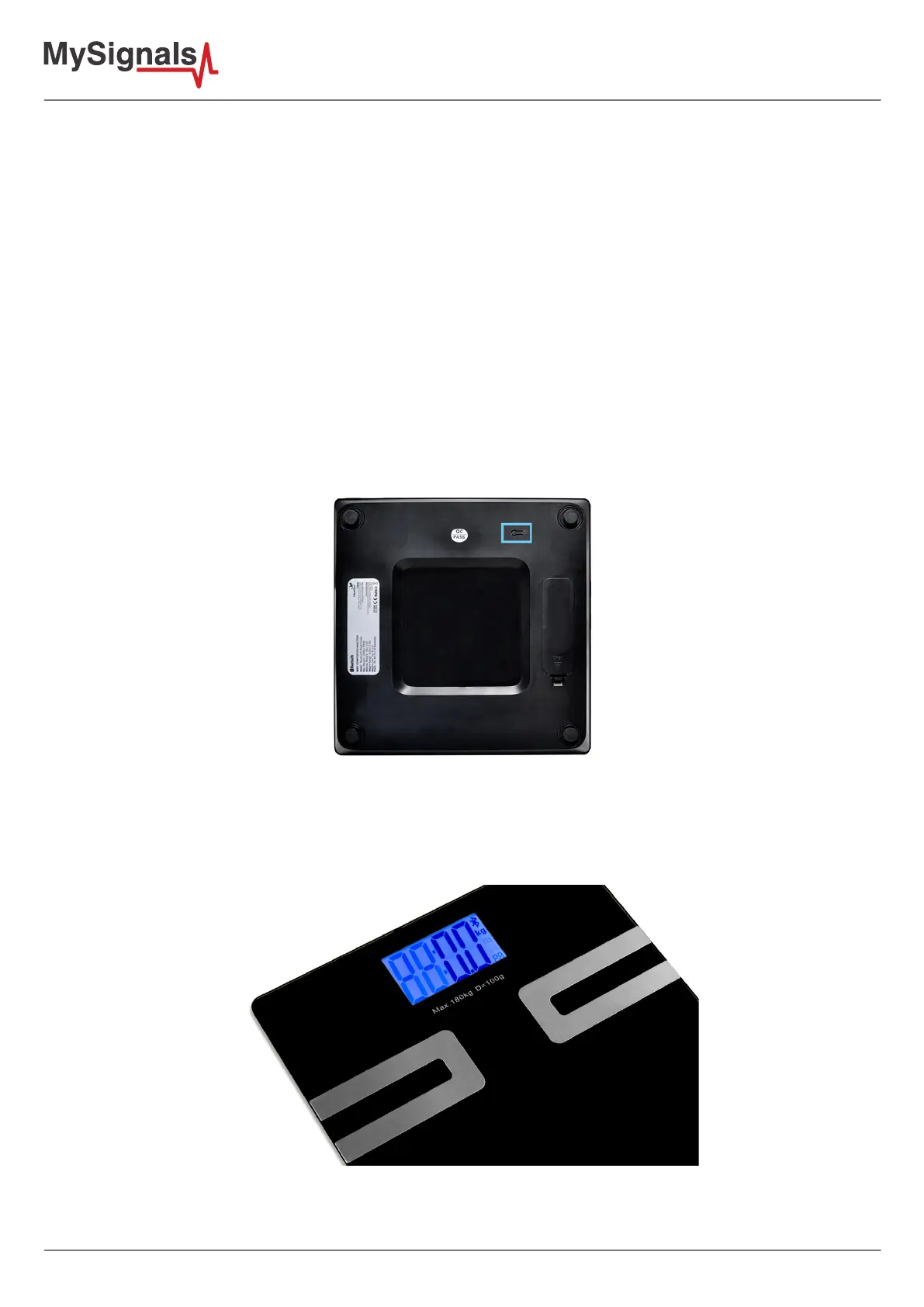
This scale is available in kg or lb. You can set to the one you prefer by pressing the unit
Conversion button on the back of the scale (picture shown on the left). Press the unit conversion button when
scale is powered o. LCD shows current weight unit. Press the button again to convert to another weight unit.
Figure: Conguration button
It is really important to remove your shoes and socks before stepping on the scale especially when you are using
the scale in body analysis weighing mode. Assure that your feet are well positioned on the metallic sensors,
otherwise the scale will not be able to determine your body composition.
Figure: MySignals Software Development Platform with Body Scale starting the measure



 To Next Page