-254- v2.9
Sensors
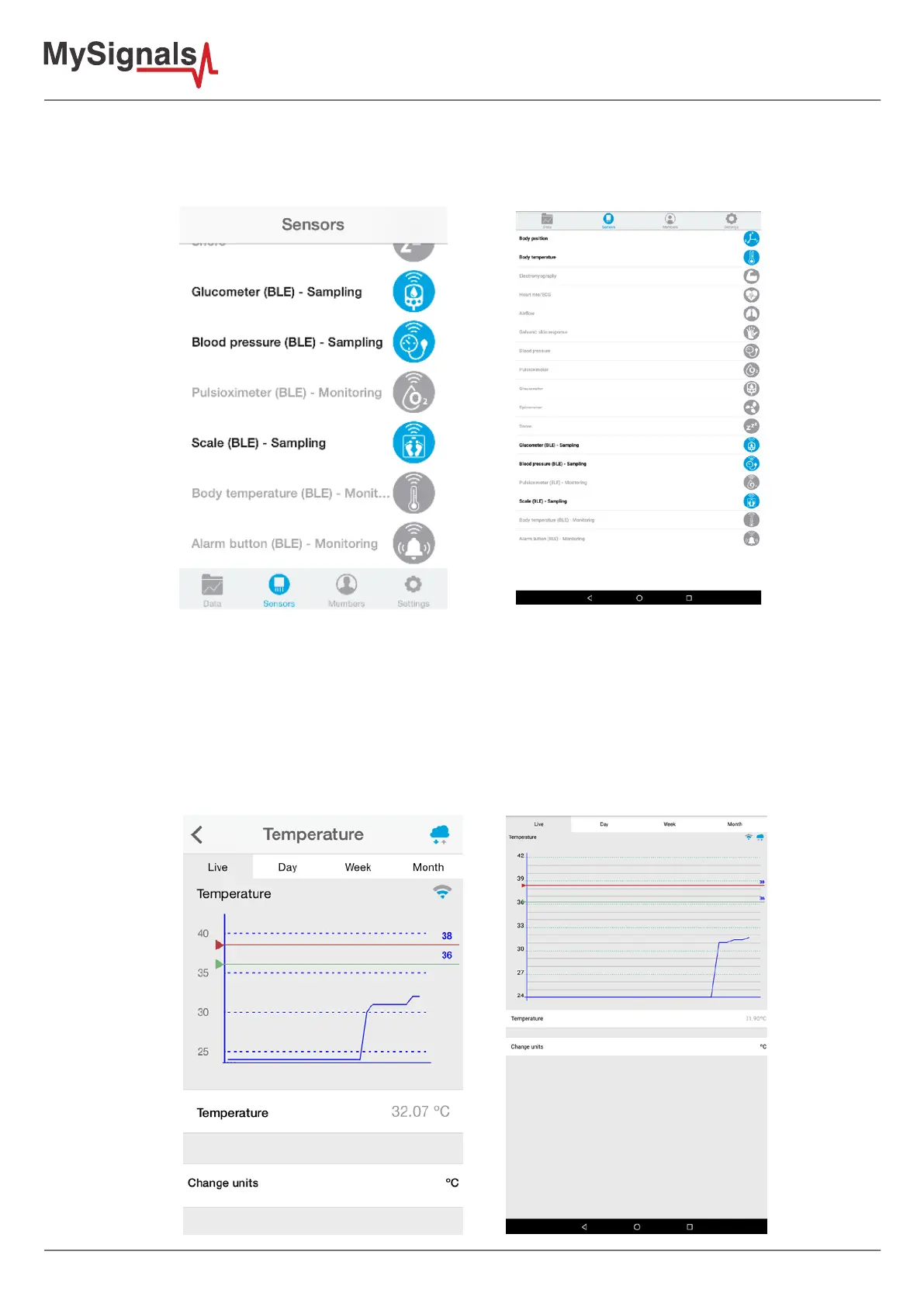
When the mobile applications receives a new data entry from a bluetooth sensor the icon will turn green, but if the
mobile application does not have new data from the bluetooth sensor the icon will turn orange and the application
will show the lasta value obtained. If the icon from the sensor is grey it means that the mobile application never
obtained new data from the bluetooth sensor.
7.3.1.4. Detail screen
Each monitoring sensor has a dierent screen because the data provided for each one is slightly dierent, each
detail screen has a dierent way to present the data and each one perform dierent operations.
The mobile application provides the classical functionality provided for MySignals for all monitoring bluetooth
sensors, the user can track live data and a graph and also can view historical data for las day, last week and last
month.
Detail screen are the same as MySignals device for bluetooth temperature and bluetooth pulsioximeter sensors:


 To Next Page