-258- v2.9
Sensors
The rst time the button connect is pushed, the mobile application will show a new screen to select the bluetooth
sensor, this screen will show only bluetooth sensors provided with MySignals. The following tries the application
will establish a connection with the bluetooth sensor and in case the mobile application cannot establish it will
show a new screen to discover bluetooth sensors.
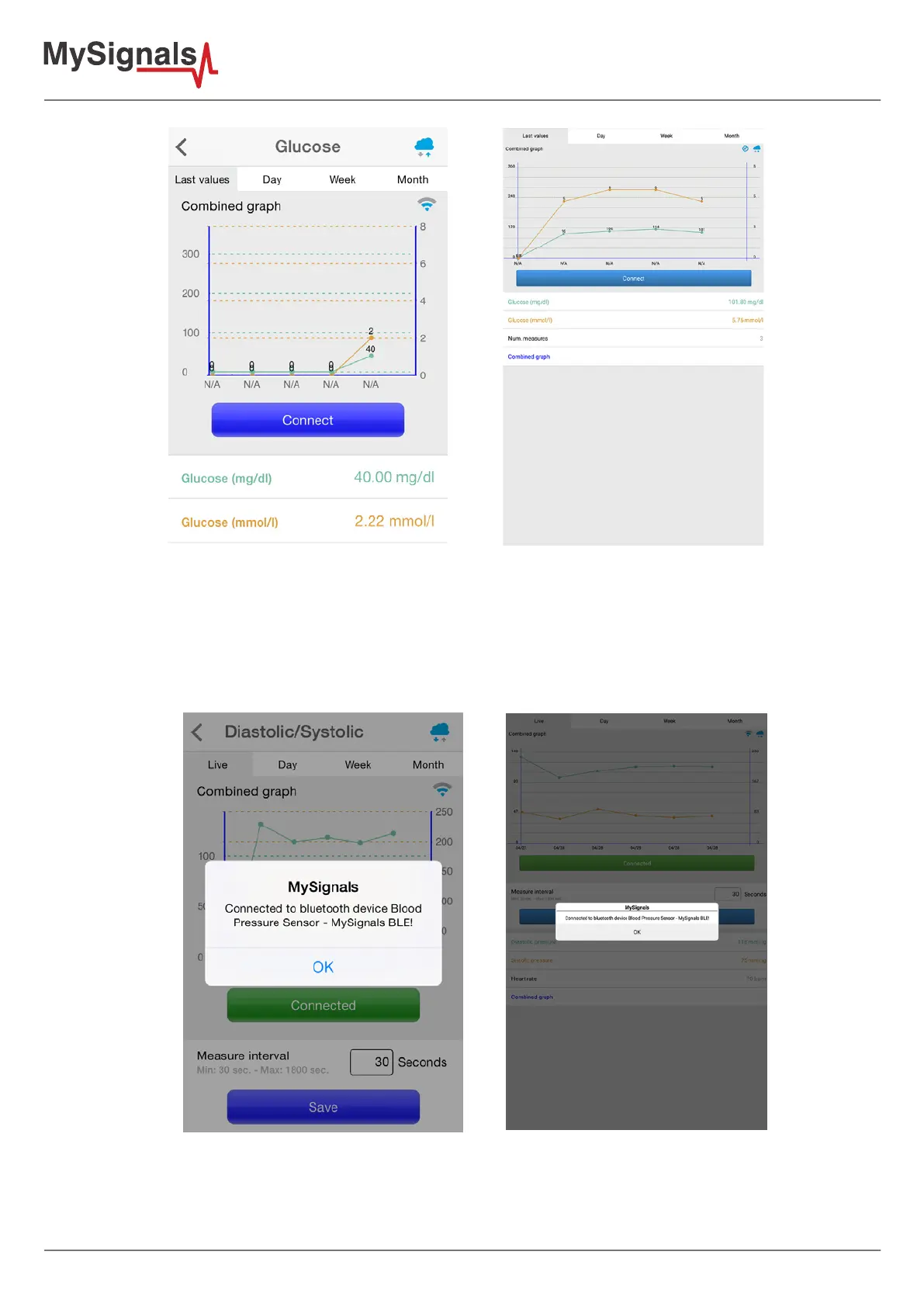
Once a bluetooth sensor is selected, the mobile application warns about the successful connection and the blue
button labeled as “Connect” will turn to green colour and it will labeled as “Connected”.



 To Next Page