-268- v2.9
MySignals API's
Method 1: Login
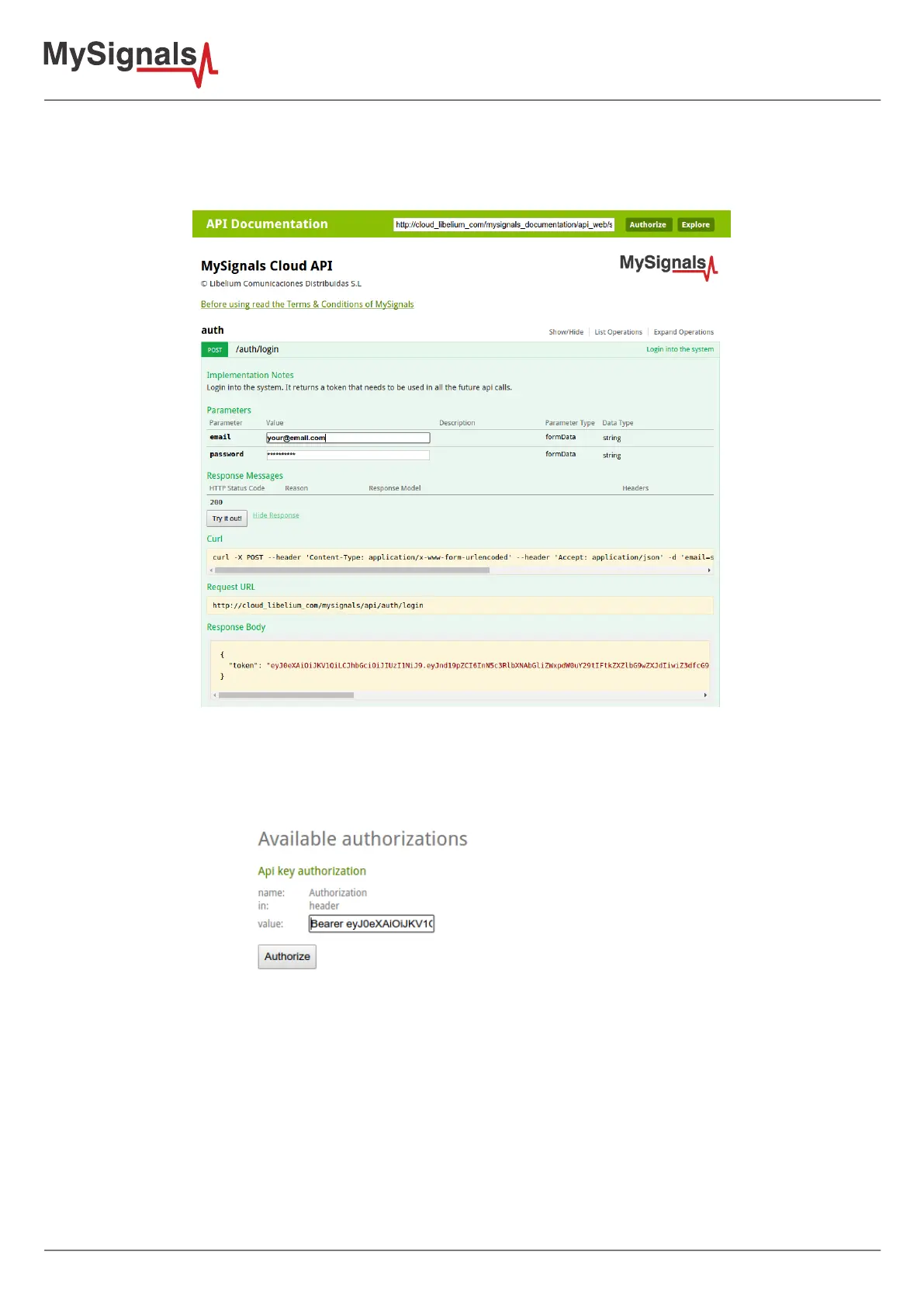
Click over '/auth/login', ll the form with your email and password and click 'Try it out!'. If you provided the right
data you should see something like this:
Figure: API login
The response body contains the token that you should use to access to your data in the following steps. Click
'Authorize', write 'Bearer <your token>' and click authorize.
Figure: API add authorization token



 To Next Page