-42- v2.9
Data Access
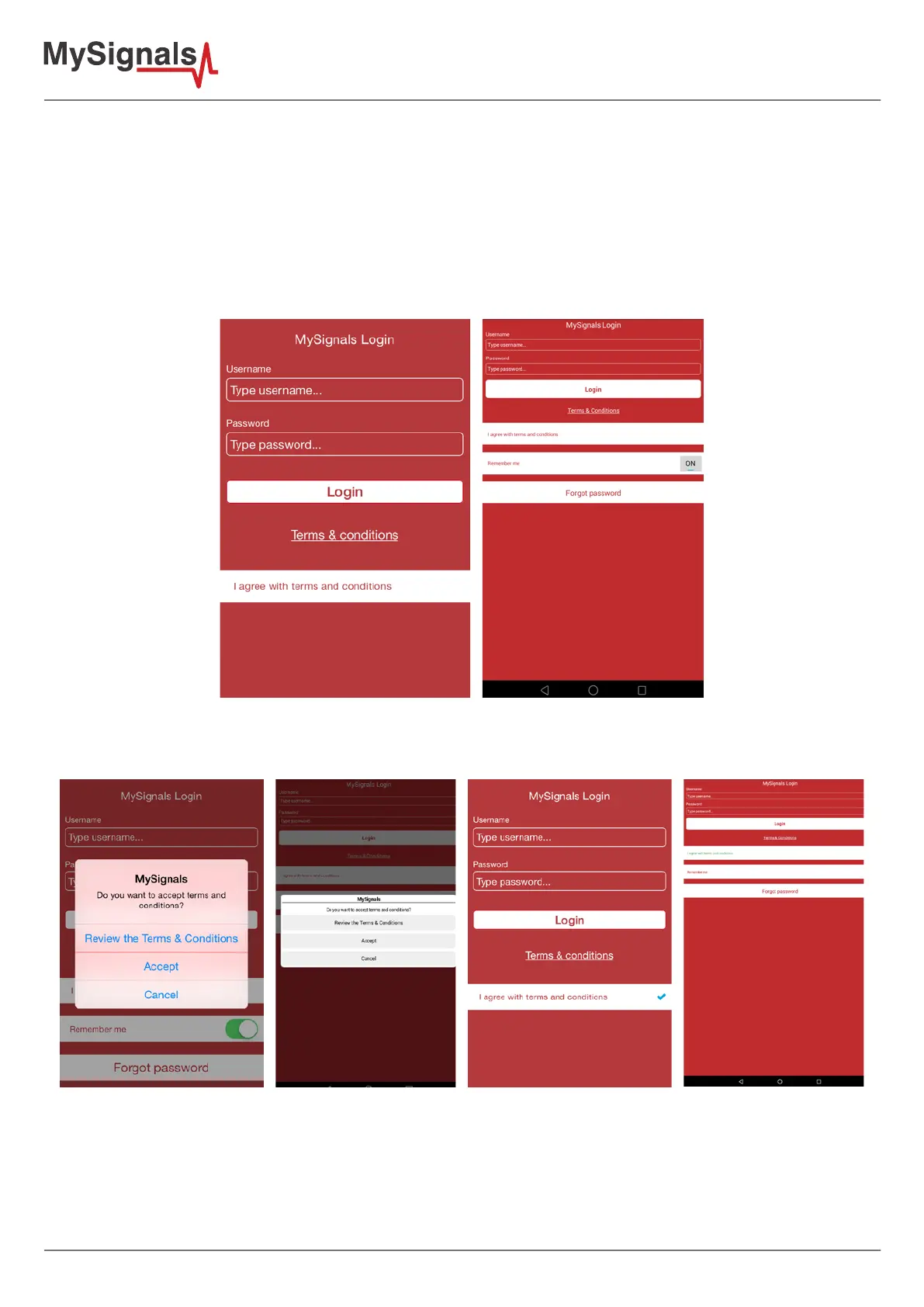
The rst time you open the APP you will see some conguration screens:
• For information on how to create an account and activate your license please visit the point 5.2.1 of this guide.
• An account can have one MySignals device. Then we must create a MySignals Manager prole to provide a list
of devices and perform some basic operation on them.
• This Manager Prole can add/delete/modify/select an MySignals device. This information should be
synchronized with cloud to get all devices up to date for a given account.
• As each MySignals is tied to each single user, we should download a list of devices each time an user log in ,
this way we do not mix MySignals from dierent accounts.
Figure: APP login
It is very important that you read carefully and accept the Terms and Conditions of our application.
Figure: T&C section



 To Next Page