Chapter 4 Operator Control And Display Panel 29
Liebert NXC 30kVA And 40kVA UPS User Manual
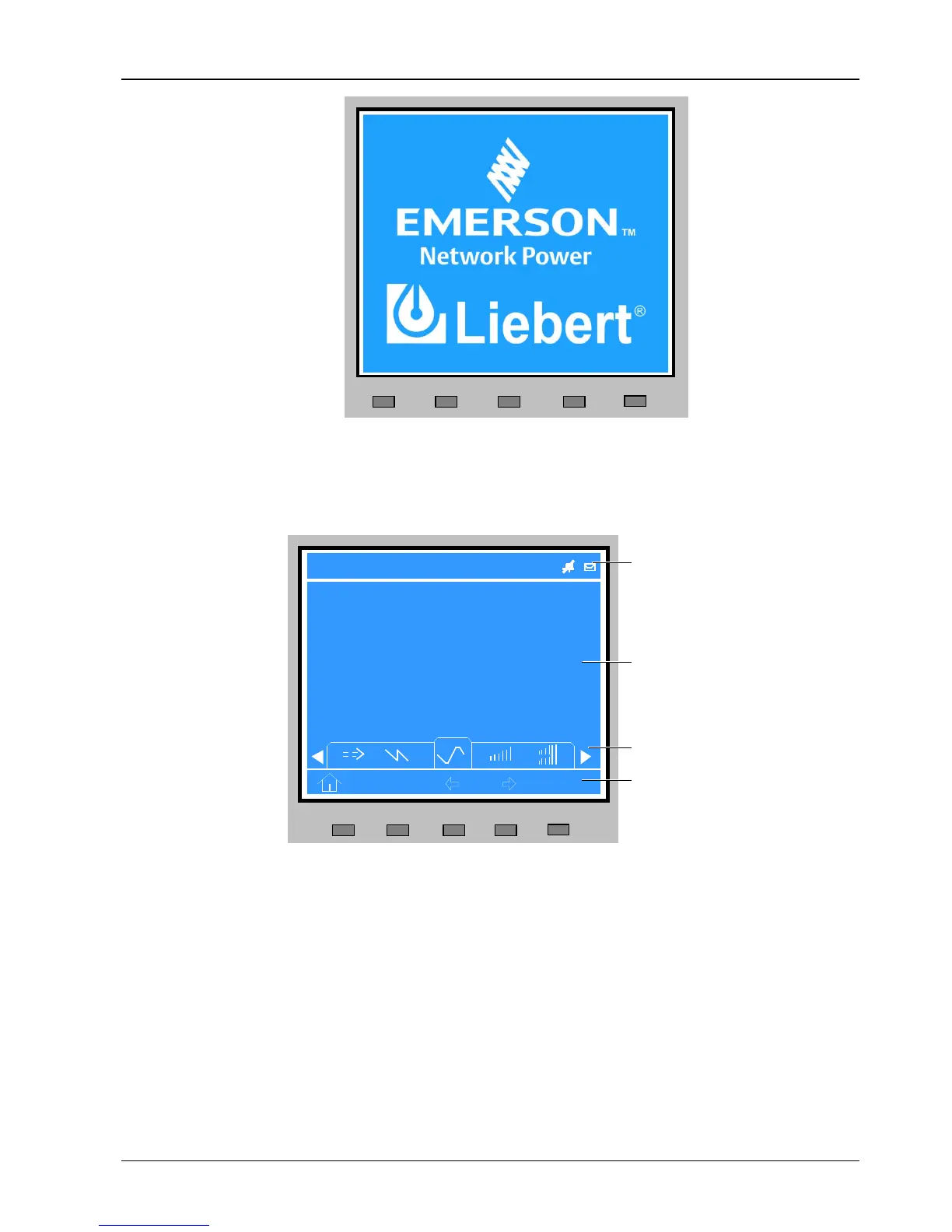
Figure 4-2 Start screen
4.2.2 Primary Screen
After the UPS starts and finishes self-test, the primary screen appears, as shown in Figure 4-3. The primary screen is
divided into four windows: system information window, data window, menu window and keypad window.
Figure 4-3 Primary screen
The functions of the menu keys F1 ~ F5 for the current screen are shown by self-explanatory icons in the keypad
window as appropriate. From any menu on the primary screen, pressing the F1 key returns to the 'OutPut' menu.
4.2.3 Default Screen
During UPS operation, if there is no alarm or key action within two minutes, the default screen will appear, as shown in
Figure 4-4. After a short delay, the LCD backlight will turn off. Pressing any menu keys (F1 ~ F5) restores the default
screen.



 To Next Page