30 Chapter 4 Operator Control And Display Panel
Liebert NXC 30kVA And 40kVA UPS User Manual
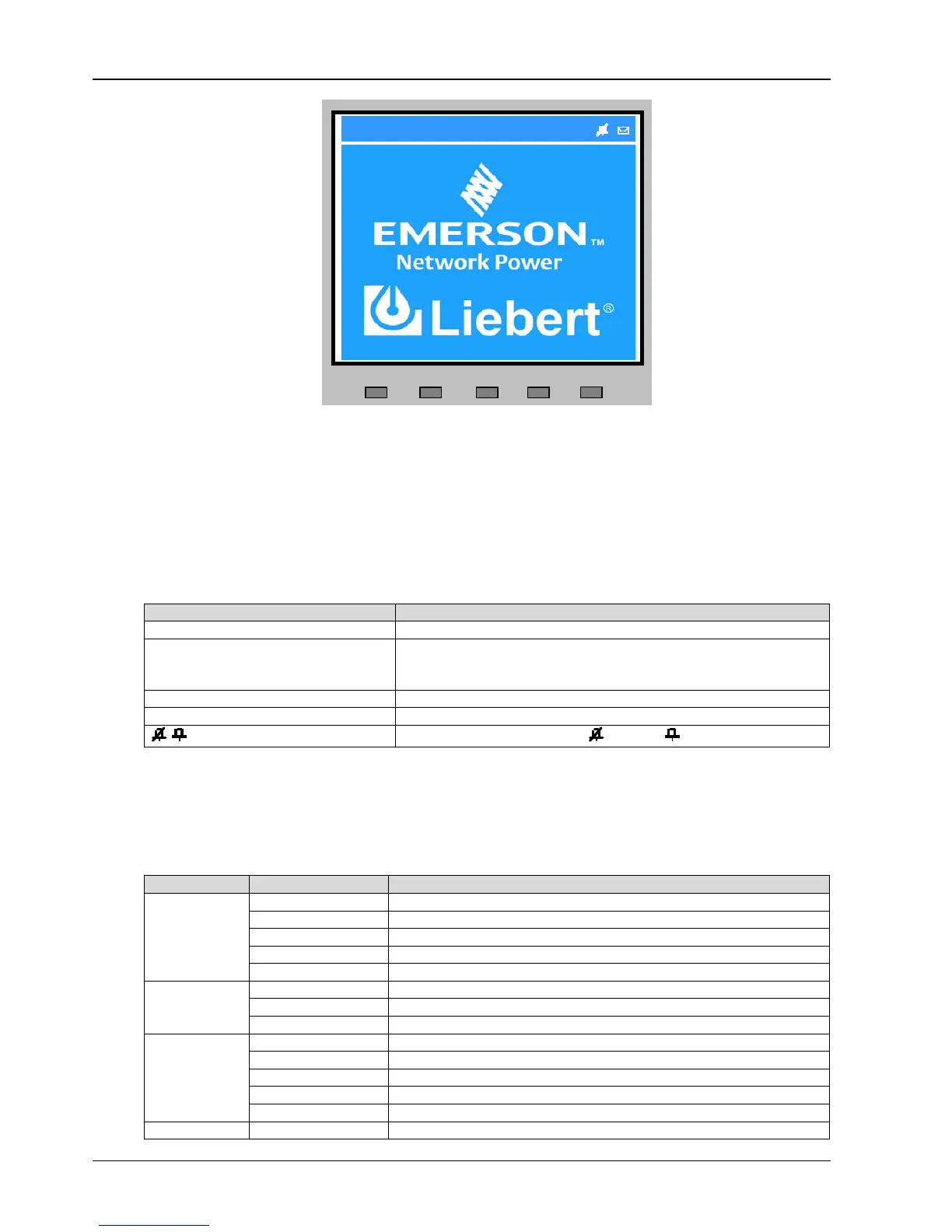
Figure 4-4 Default screen
4.3 Detailed Description Of Menu Items
The description that follows refers to the LCD primary screen shown in Figure 4-3.
System information window
The system information window displays the current time, UPS name, configuration and alarm silencing state. This
window requires no user operation. For details, see Table 4-6.
Table 4-6 Item description of system information window
NXC UPS series name
(Configuration)
Single/ECO/Unit1#
Single: UPS module system with dual conversion
ECO: The UPS is set as a UPS module system, and runs in ECO mode
Unit1#: #1 of the parallel system formed by up to four UPS modules
30kVA UPS power is 30kVA
16:21:17 Current time (format: 24 hours, hour: minute: second)
/ Audible alarm enabled or disabled. : disabled, : enabled
Menu window and data window
The menu window provides the menus of the data window. The data window displays the items of the menu selected
in the menu window. UPS parameters can be browsed and functions can be set through the menu window and data
window. Details are provided in Table 4-7.
Table 4-7 Item description of menu window and data window



 To Next Page