36 Chapter 5 UPS Operation Introduction
Liebert NXC 30kVA And 40kVA UPS User Manual
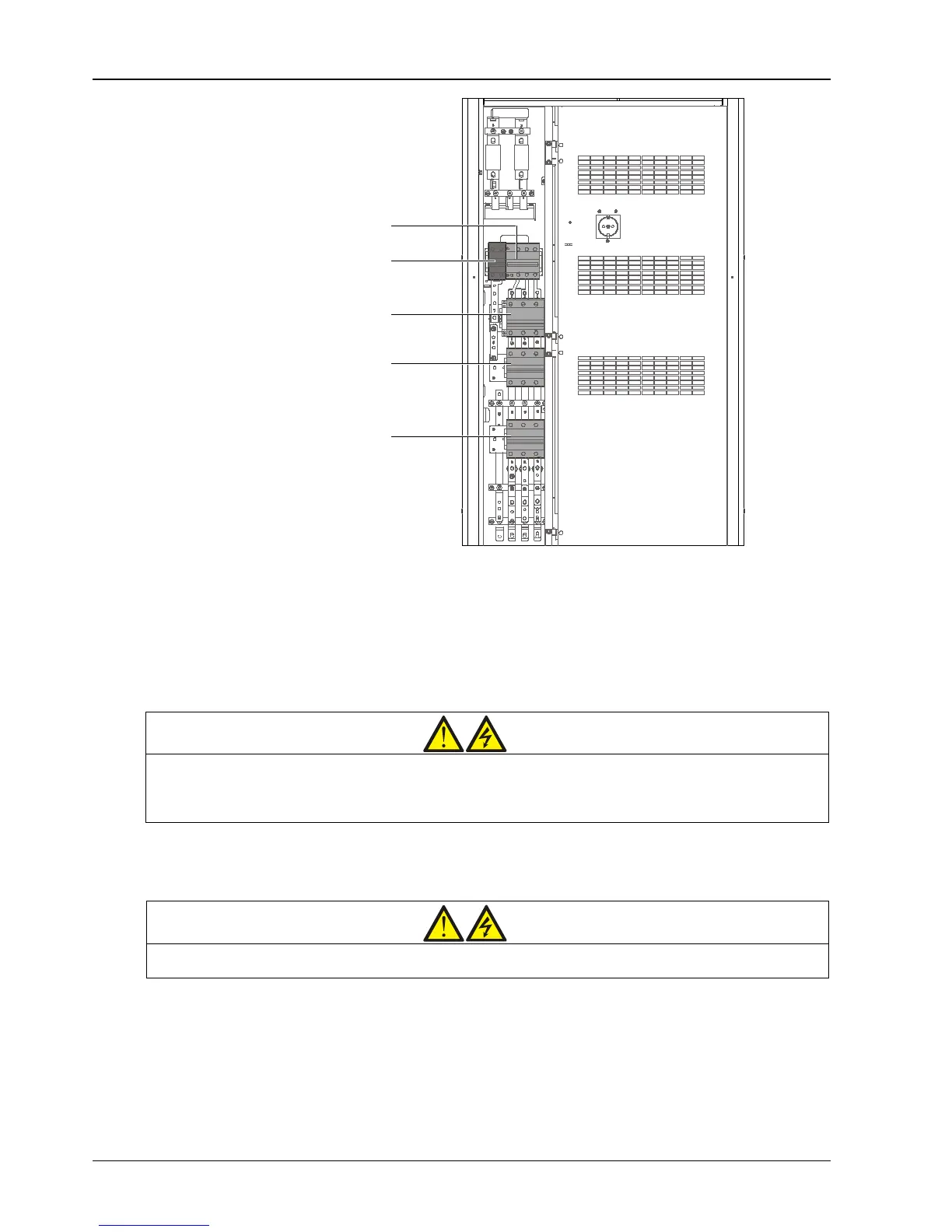
Figure 5-1 UPS power switch
5.2 UPS Startup Procedures
The UPS must be completely installed and tested by authorized engineer, and external power supply switch is closed,
then you can start the UPS.
5.2.1 Startup Procedures In Normal Mode
Warning
1. These procedures result in mains voltage being applied to the UPS output terminals.
2. If any load equipment is connected to the UPS output terminals, check with the user that it is safe to apply power. If the load is
not ready to receive power, please disconnect the downstream load switch, and stick a warning label on the connection point of the
load.
Use the following procedures to turn on the UPS from a fully powered down condition.
1. Open the front door of the UPS, ensure that the internal maintenance bypass switch Q3 is disconnected and switch
Q6 is closed, while the input cables and copper bars are reliably connected.
Warning
case of misreporting as faults.
2. Close the bypass input switch Q2, rectifier input switch Q1, output switch Q5 and all external output isolating
switches (if any) of the UPS in turn.
At the moment, the system is power on, and the startup screen pops up. Refer to 4.2.1 Start Screen.
About 25 seconds later, confirm that the LCD shows the rectifier power supply and the bypass power supply are
normal; if not, check whether the switches Q1 and Q2 are closed. Then the rectifier starts up and the alarm indicator
(red) is on. At the same time, the bypass static switch is closed. About 30 seconds later, the alarm indicator (red) is
flashing, and then the rectifier startup is finished.



 To Next Page