Take a photo
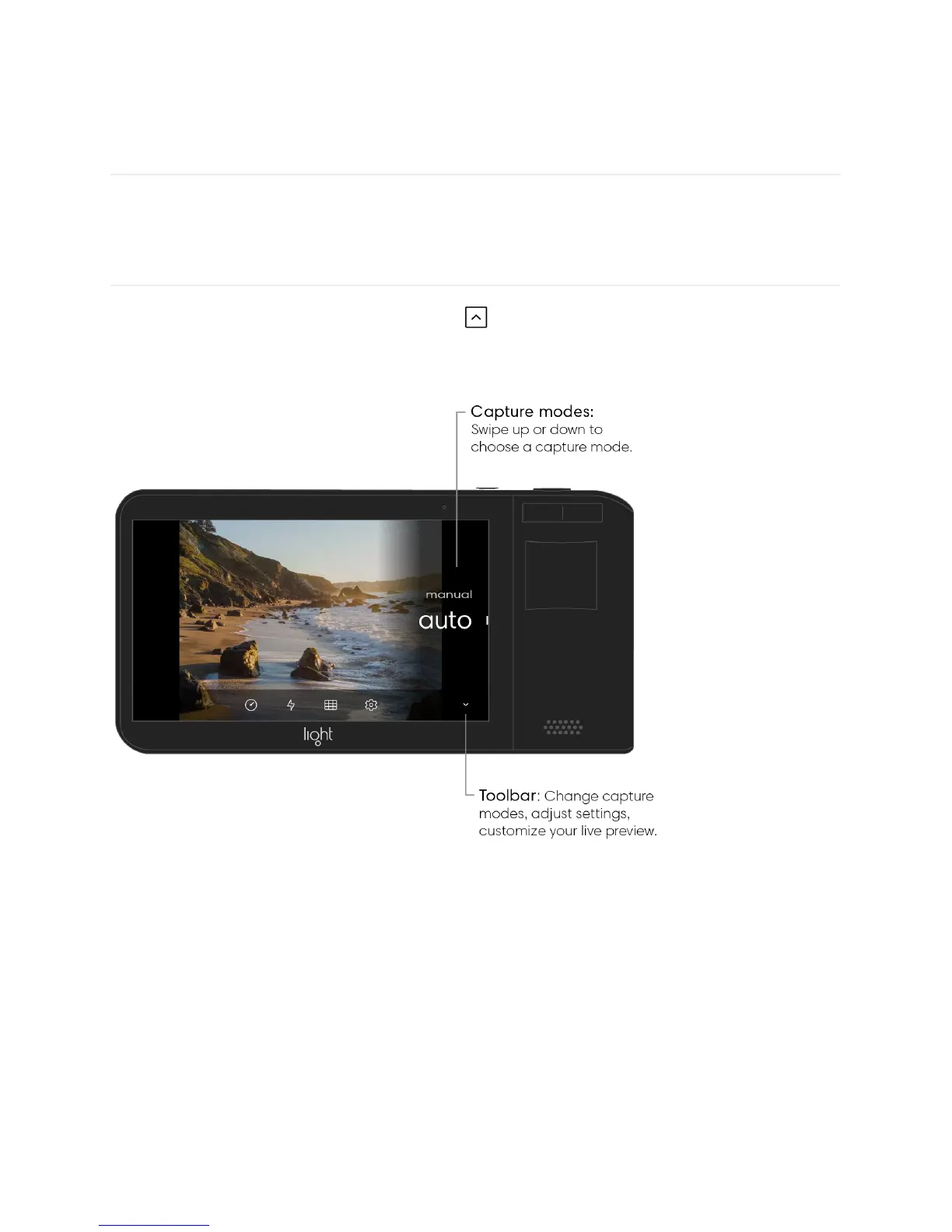
Choose a capture mode. Tap the up arrow to open the Toolbar. Above it, you see two
capture mode options: Auto and Manual. Swipe up or down to highlight your preferred photo
capture mode.
Take a photo. Tap on the screen to focus on your desired subject. After focus is achieved,
press and hold the shutter button to take a photo. The screen will flash black when a photo
has been taken. After a moment, you see a new thumbnail appear in the gallery icon in the
screen’s upper right corner.



 To Next Page