Grid
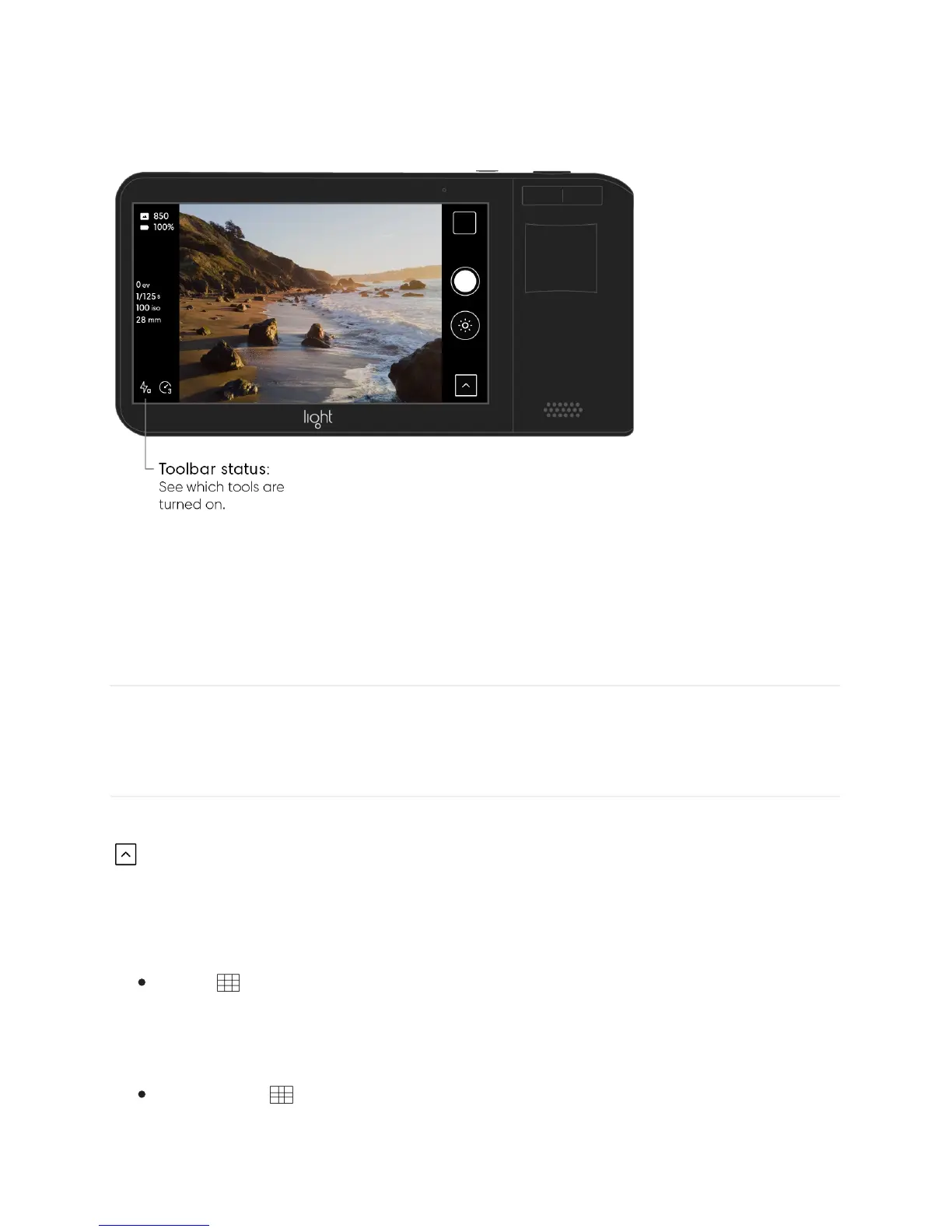
Turn on the Grid. To display grid lines over your Light L16’s live preview, open the Toolbar
and tap the Grid icon to show the available grid options.
Grid options.
Thirds
The thirds grid divides the screen into a 3x3 grid of equal rectangles. This grid helps
you follow the Rule of Thirds when composing.
Golden Ratio
The Golden Ratio grid divides the screen into sections based on the golden ratio. This
grid helps you follow the Golden Rule when composing.



 To Next Page