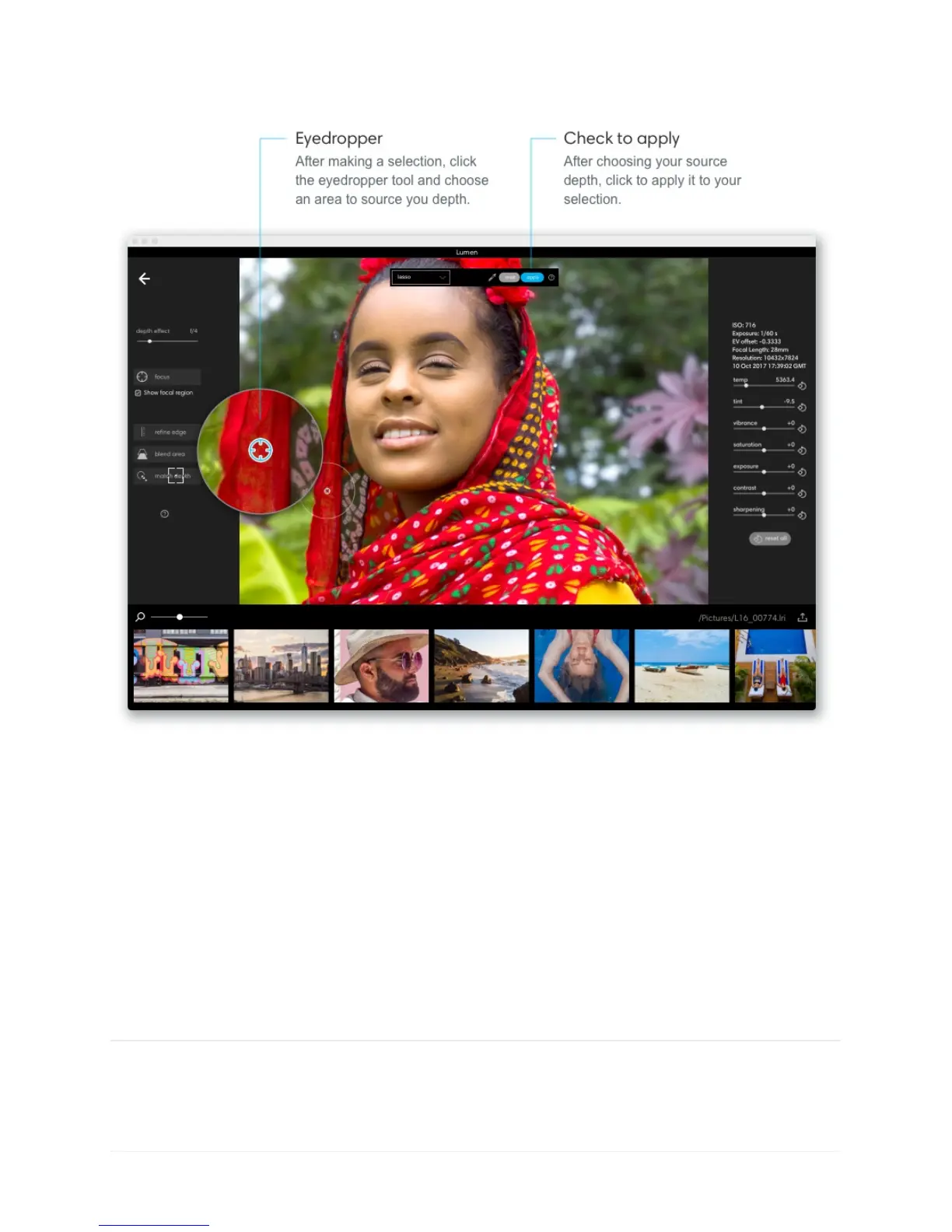
Undo and redo depth edits. If you make a mistake or want to revert a change, you can click
Edit > Undo depth edit or Redo depth edit.
Reset all depth edits. If you want to start over with depth editing your photo, click Edit >
Reset depth edits. This will reset all edits except for depth effect. To reset depth effect,
choose Edit > Revert to original.
Export as JPGs and DNGs



 To Next Page