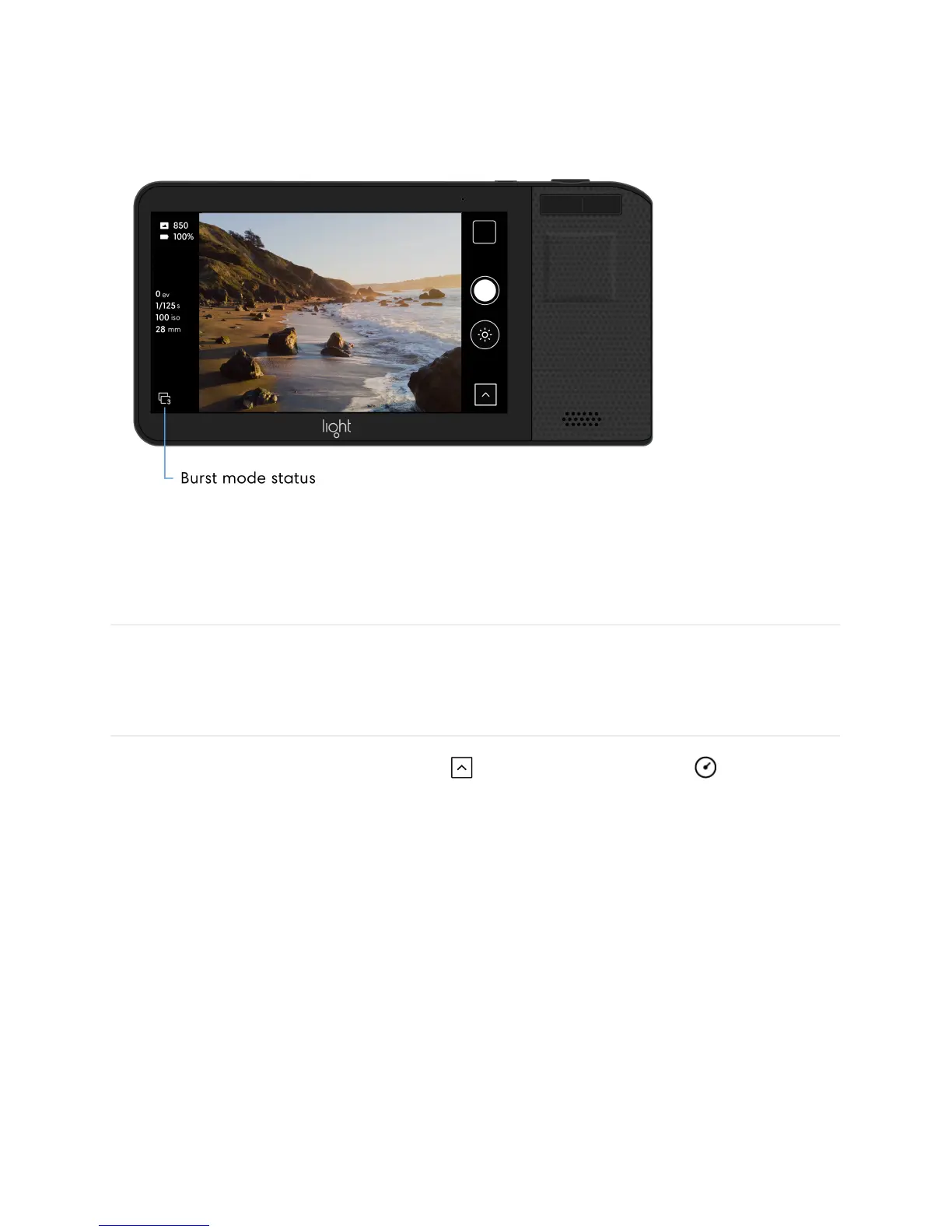
Tip: You can quickly change or turn off burst mode by tapping the icon in the lower left
corner of the capture screen.
Self-timer
Turn on the self-timer. Open the Toolbar and tap the self-timer icon to show the
available self-timer options: 3, 5, 10, or 20 seconds.
Note: If self-timer is on, you will see a self-timer icon in the bottom left corner of the camera
screen.



 To Next Page