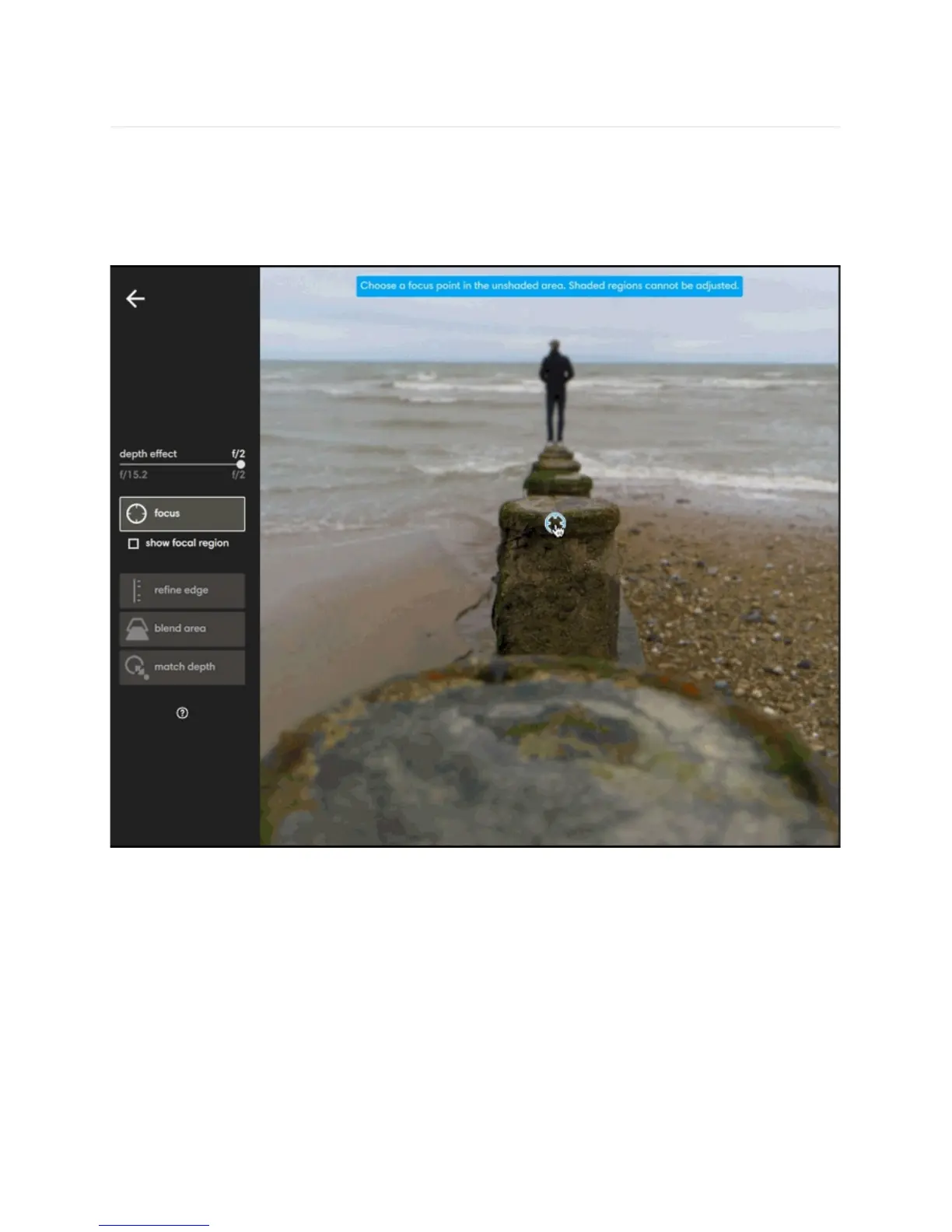
Fine-tune focus
Depth effect on the L16 allows you to create dramatic photos with subjects that stand out
from their backgrounds. However, applying depth effect can sometimes make your subject
appear blurry. In these situations, the focus tool can be used to adjust the focus of your
subject and make a soft focal point sharp again.
Adjust focus. Click focus to activate the focus tool. When activated, a grey shaded mask
may appear over parts of your image. The shaded mask indicates which areas of your photo
were not in focus when your photo was taken. Any areas that were not in focus when your
photo was captured, cannot be in focus with depth effect applied.
The unshaded areas of your photo show where you originally focused when you took the
photo. If your subject is shaded, that means your subject was not in focus when you took the
photo



 To Next Page