Flash
Choose a flash mode. Open the Toolbar
and tap the Flash icon to show the the
available flash options.
Flash On
: Fires the flash every time you take a photo.
Flash Off : Flash will not fire.
Flash Auto : The Light L16 will determine if flash is necessary to
provide a proper exposure. Flash Auto is only available in Auto mode.
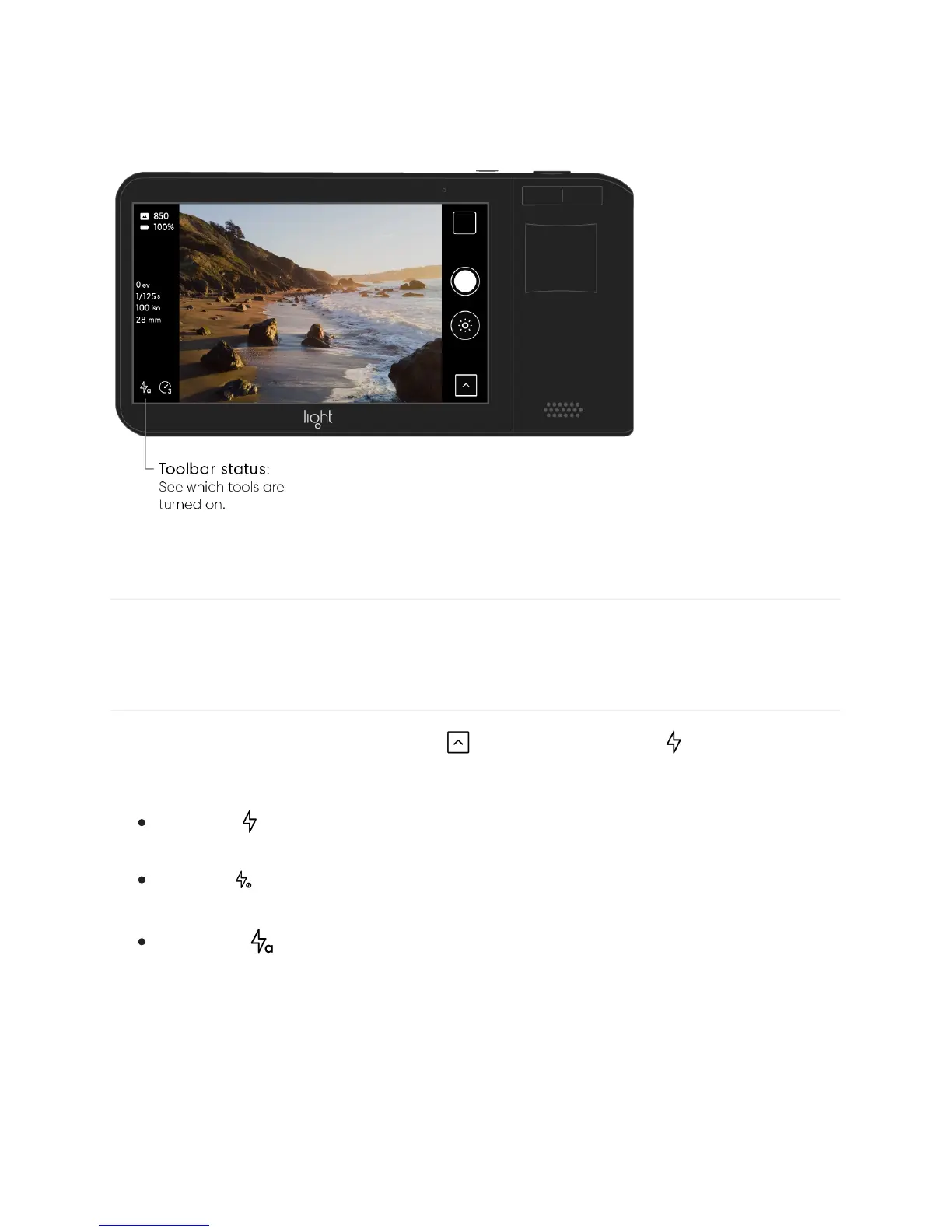
Note: If Flash is set to Auto or On, you will see a Flash icon in the bottom left corner of the
camera screen.
26/67



 To Next Page