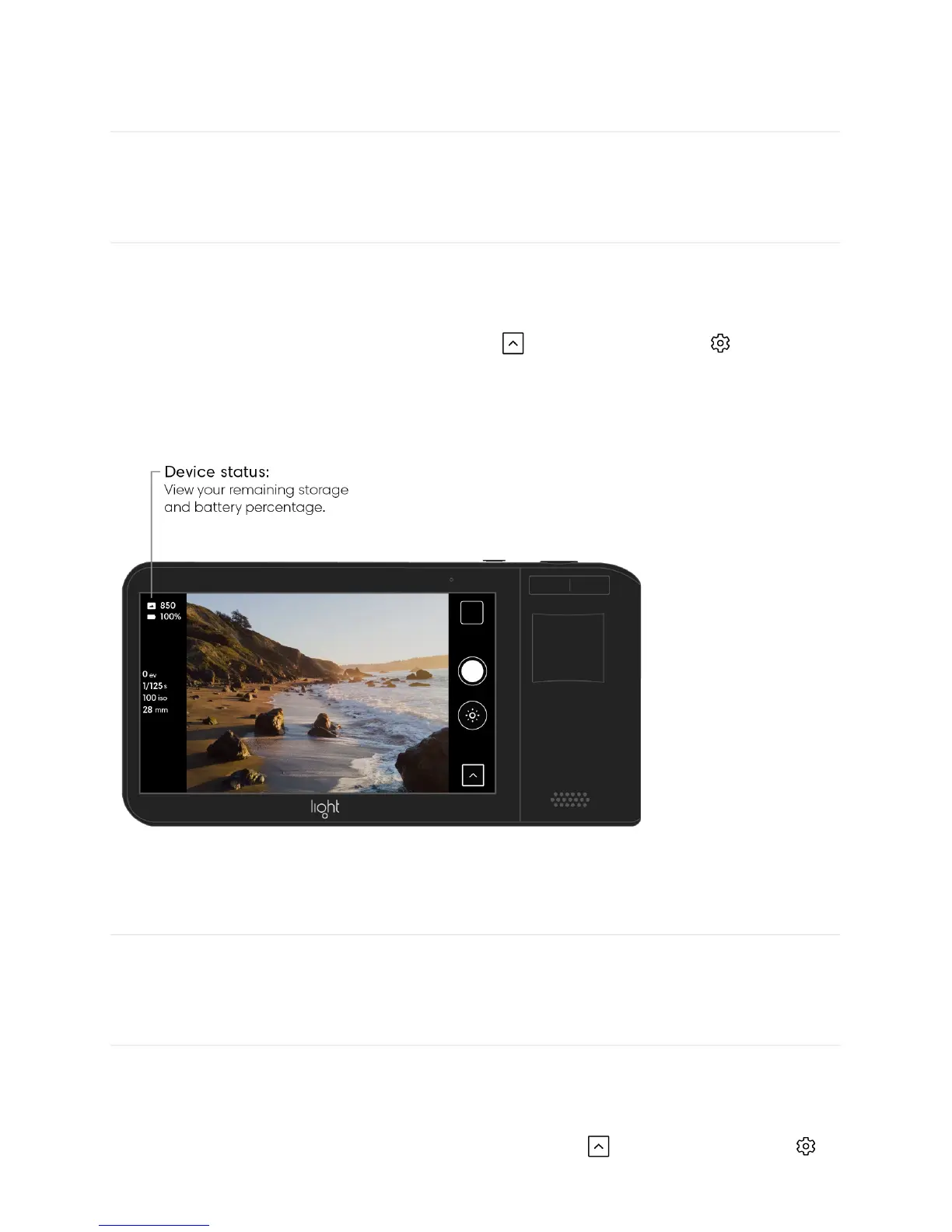
Device status
The Light L16’s device status shows information about your camera’s current battery
percentage and remaining storage.
Turn on or off device status. Open the Toolbar and tap the gear icon to open the
camera settings menu. Tap the switch next to “device status” to toggle on or off the battery
percentage indicator and number of photos remaining.
Haptic vibration
The Light L16 is equipped with a haptic vibrator to give you feedback while shooting,
adjusting controls, zooming, and more.
Turn on, off, or adjust haptic vibration. Open the Toolbar and tap the gear icon
to open the camera settings menu. Tap “haptics” to open the haptics settings menu and



 To Next Page