Camera Settings
Exposure information
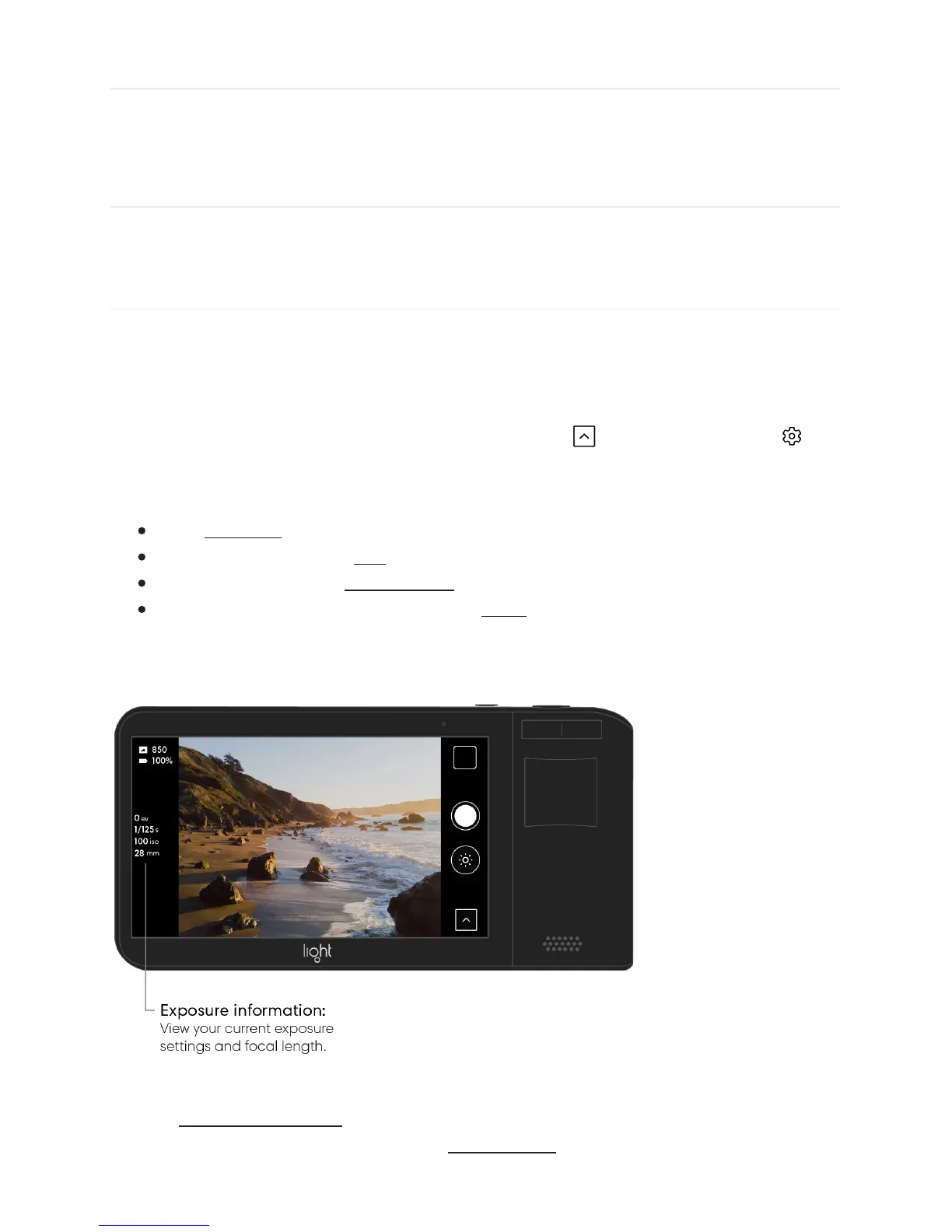
Light L16’s Exposure Information allows you to view important information about your
current capture settings, including exposure information, shutter speed, ISO, and focal
length.
Turn on or off Exposure Information. Open the Toolbar and tap the gear icon to
open the camera settings menu. Tap the switch next to “exposure info” to reveal the
exposure information on your capture screen:
exp – Exposure shows how much you have increased or decreased your exposure.
iso - Shows your current ISO value.
s – Shows your current shutter speed value.
mm – Shows your current focal length or zoom level.
Note: In auto exposure mode, shutter speed and ISO are automatically calculated. To set
your ISO and shutter speed manually, see manual mode.



 To Next Page