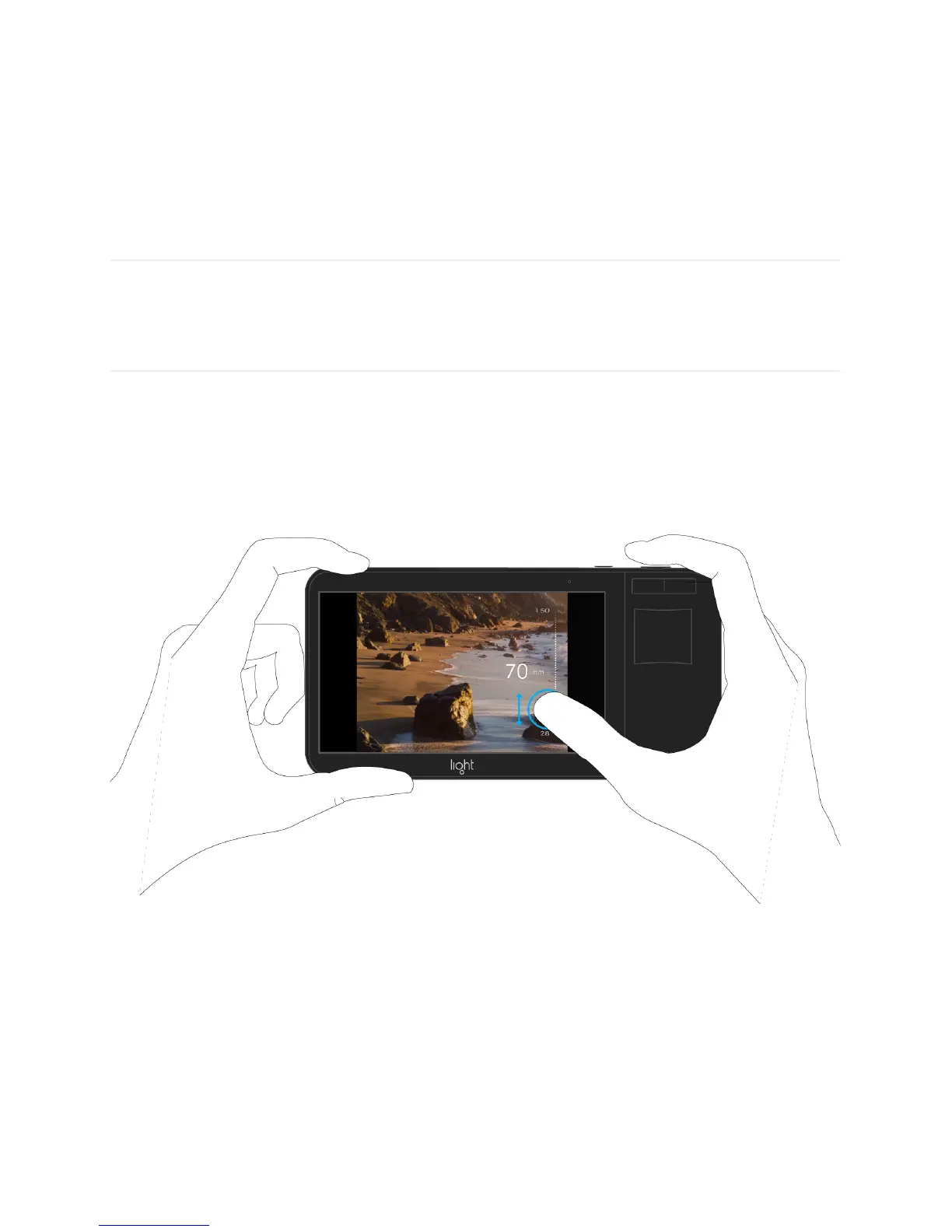
Zoom
There are multiple ways to zoom on Light L16.
Press, hold and slide to zoom. Place your thumb on the screen and slide up or down to
zoom in or out respectively.
Flick to jump. Place a finger on the screen and swipe up quickly to jump to the next prime
zoom level. Flick-to-jump will stop at the following values: 28mm, 35mm, 70mm, and
150mm.
Pinch to zoom. Place two fingers on the screen and pinch open or closed to zoom in or out
respectively.



 To Next Page