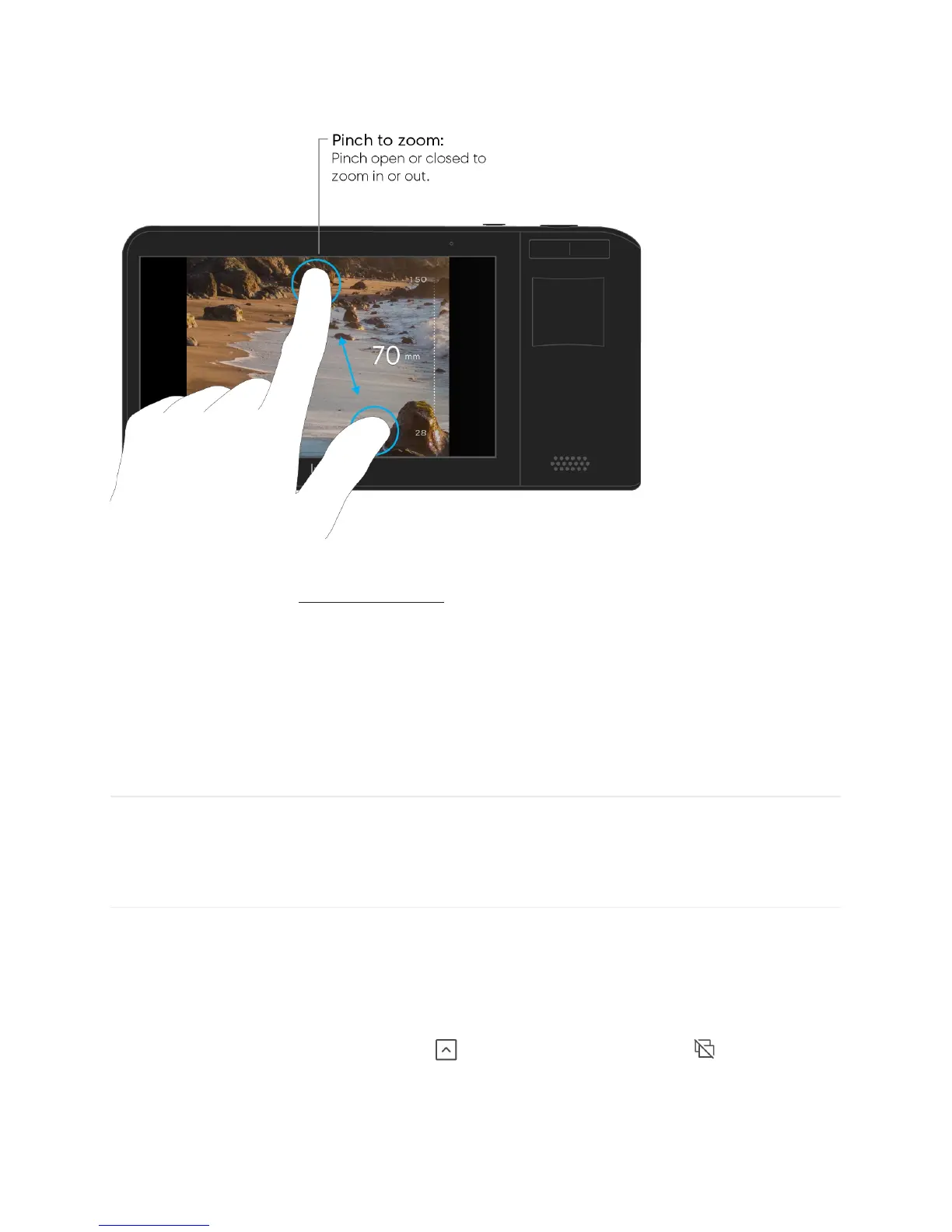
Note: By default, Light L16 will boot up to a 35mm zoom level. To learn about why that is,
check out our article on variable resolution
.
Burst mode
To help you capture action shots and motion, the L16 has a burst mode. When on, pressing
the shutter button will capture multiple frames in rapid succession, helping freeze fast-
moving objects.
Turn on burst mode. Open the Toolbar
and tap the burst mode icon



 To Next Page