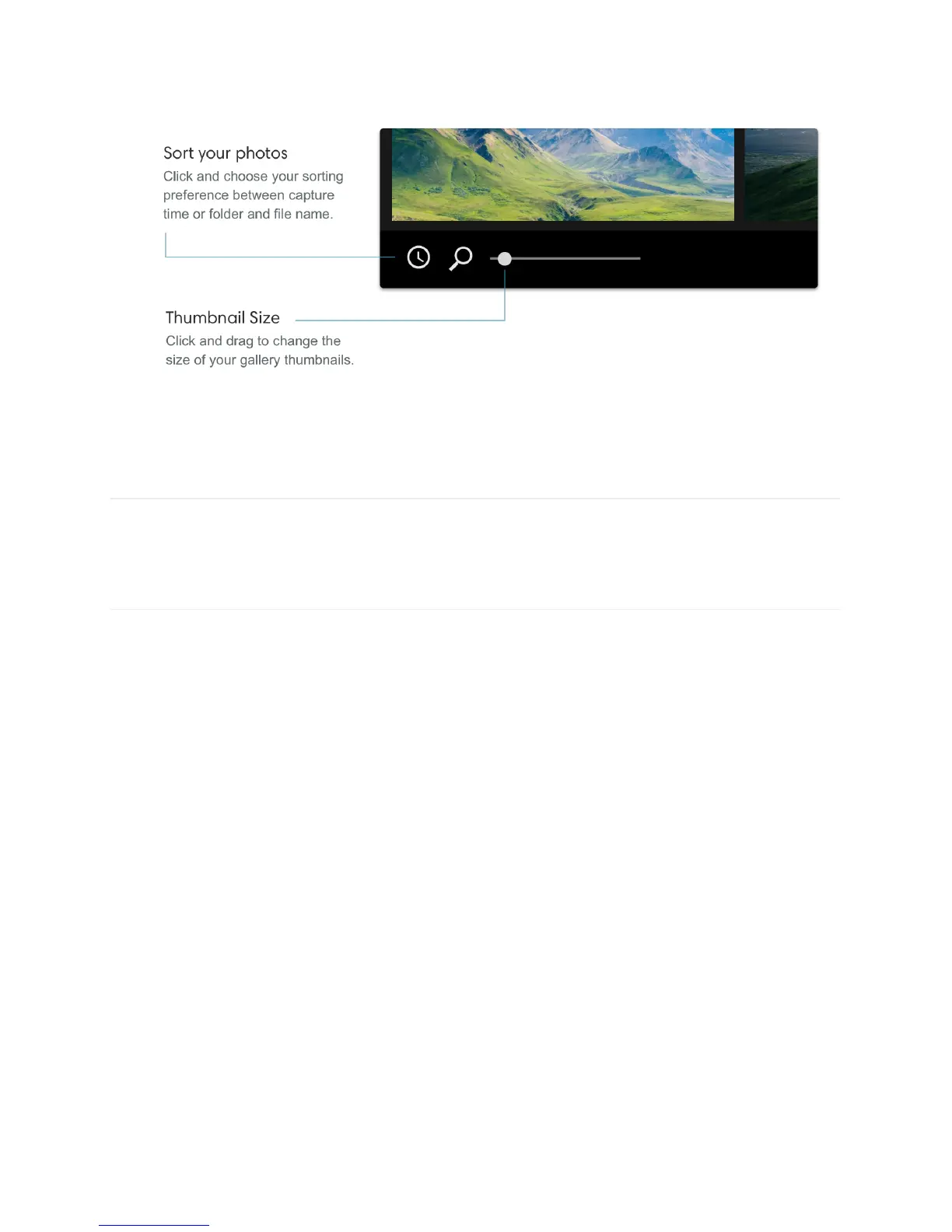
Select photos. Click on a photo to select it. While holding shift, click on multiple photos to
select them.
Process photos
The real magic of our computational photography can be seen when processing images.
Processing a photo uses Light’s proprietary algorithms to combine 10+ images (captured
every time you press the shutter button) into one final, high-resolution photo.
Process a photo. From the gallery, double-click a photo to open it in full screen. Lumen will
switch from gallery mode to processing mode and a processing progress bar will appear.



 To Next Page