Preview full resolution by zooming in or out. Scroll up or down on your trackpad, or drag
the zoom slider in the bottom left corner to the left or right to zoom.
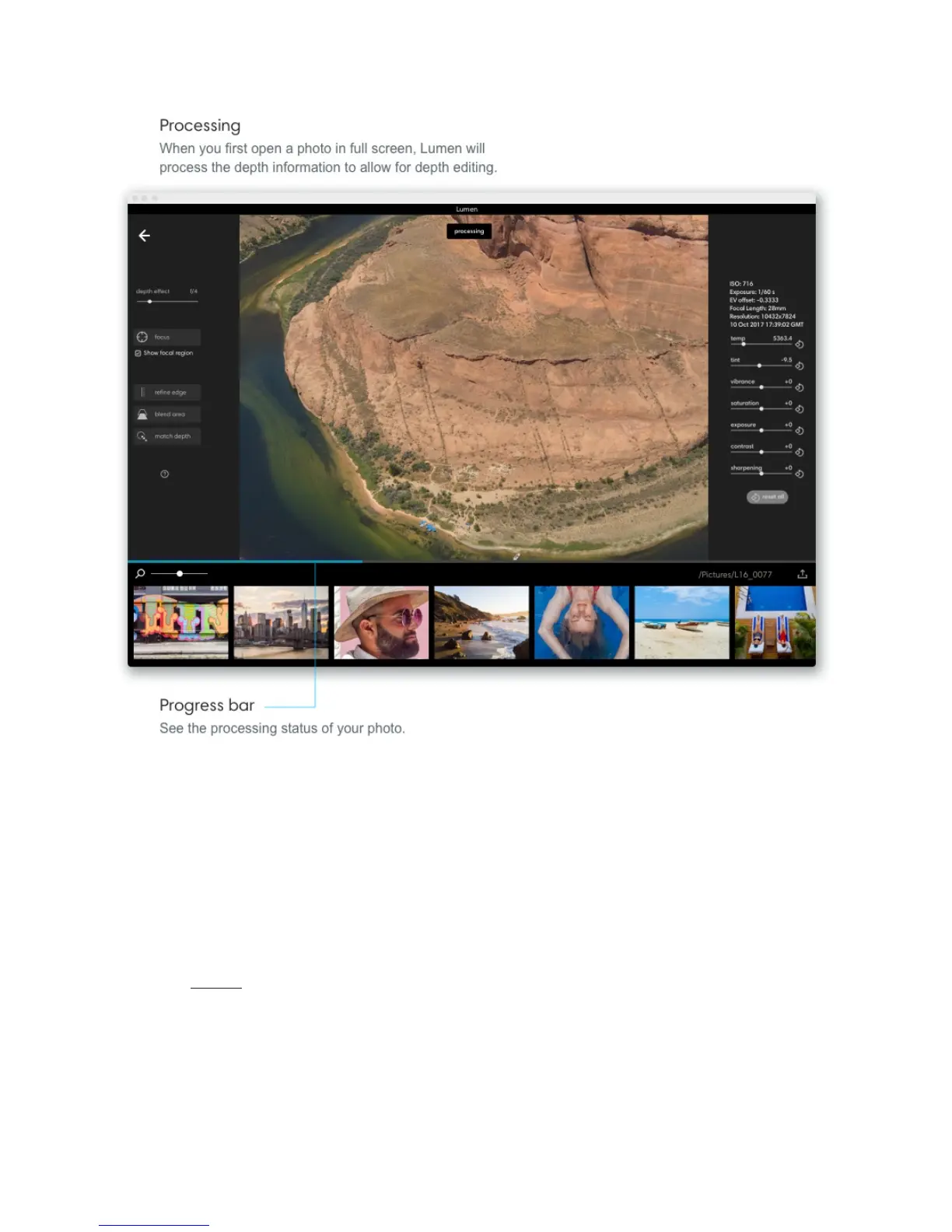
Fusing 10+ images takes some time. As you zoom in on your photo, Lumen will process the
area you have zoomed in on in real time. If you see the progress bar appear, Lumen is still
processing the area you have zoomed in to. Processing for the entire image is saved for
when you export your photos.



 To Next Page