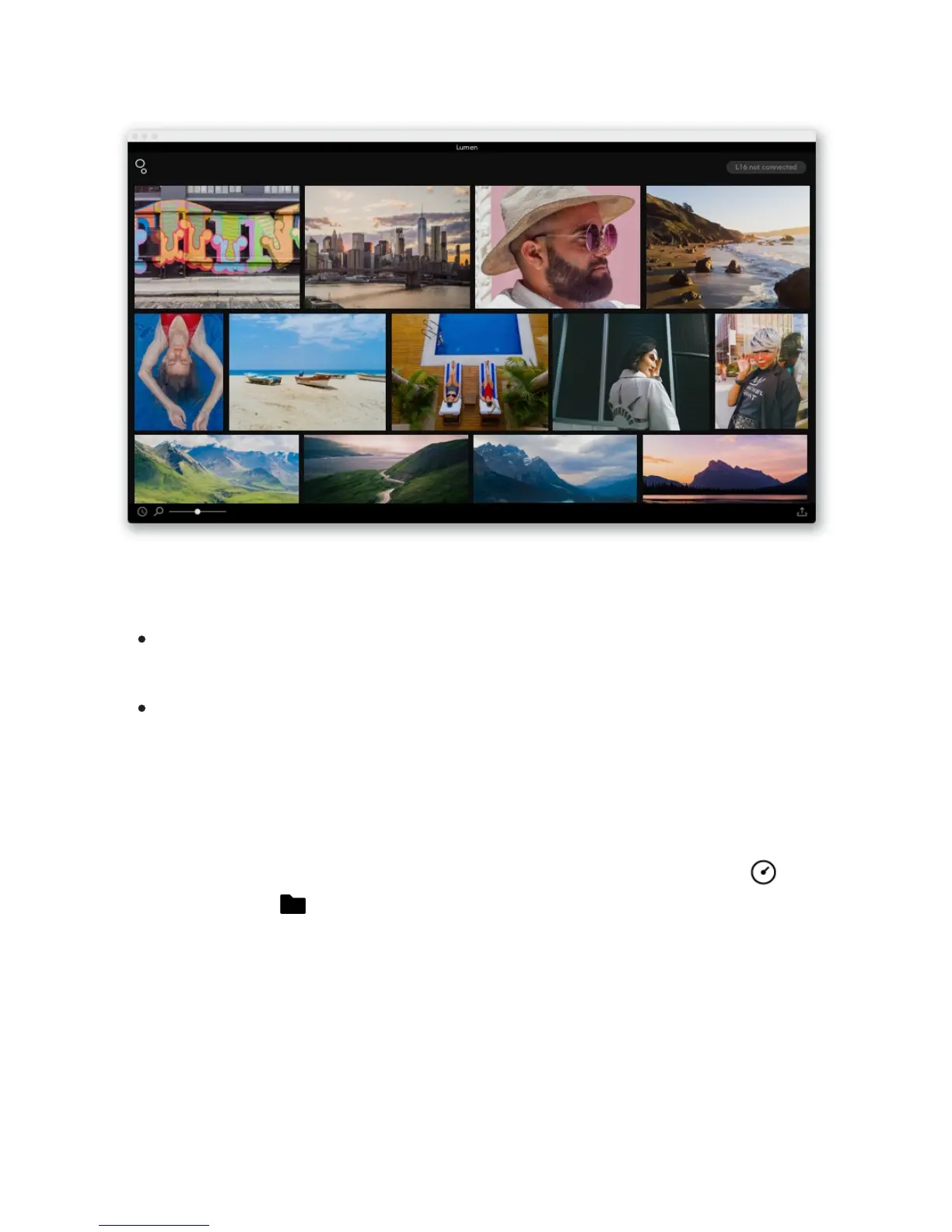
Open a folder of photos. There are two ways to open a folder:
Click File > Open folder... and navigate to your folder of Light Raw Files (.lri). With the
folder selected, click “Open.”
Click the Light logo in the top left of the application window, navigate to your folder of
Light Raw Files (.lri), select it, and click “Open.”
Adjust the size of your gallery thumbnails. Drag the zoom slider left or right to see your
photos bigger or smaller.
Sort capture time or folder and file name. Click the icon in the bottom left corner next to
the zoom bar to choose how your files are sorted. You can sort by capture time or
folder and file name .
41/67



 To Next Page