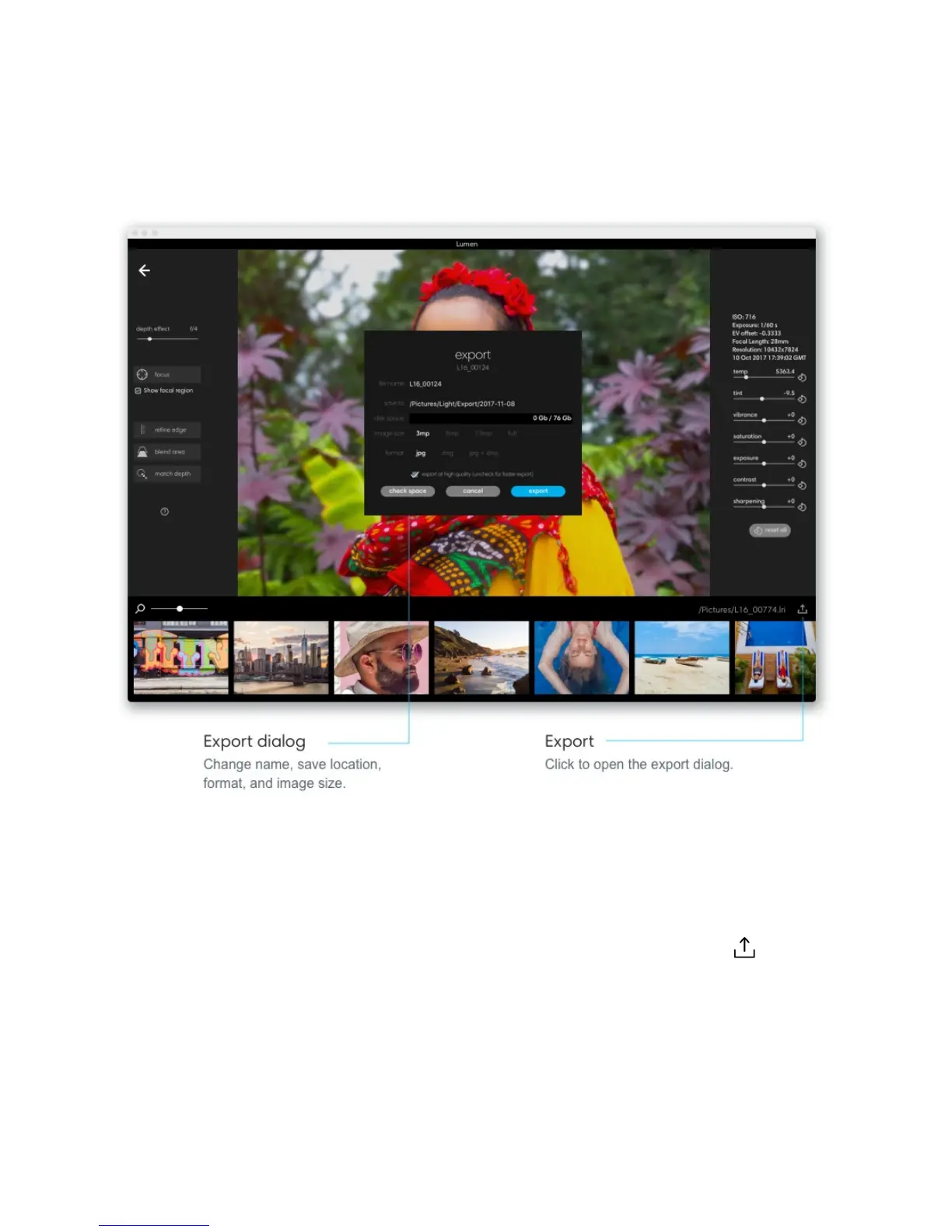
Exporting photos from Lumen writes a new file type and simultaneously processes the
entirety of your photos with Light’s proprietary, computational algorithms. When exporting,
you have the freedom to choose your preferred file type and image size.
Export a single photo. Select the photo you want to export and click the Export icon in
the bottom right corner of the application window.
Change your filename. If you are exporting just one photo, you can change
the photo’s filename in the export dialog that appears.
Export multiple photos. From the gallery, hold shift and click to select the photos you want
to export. Click the export icon in the bottom right corner of the application window.
59/67



 To Next Page