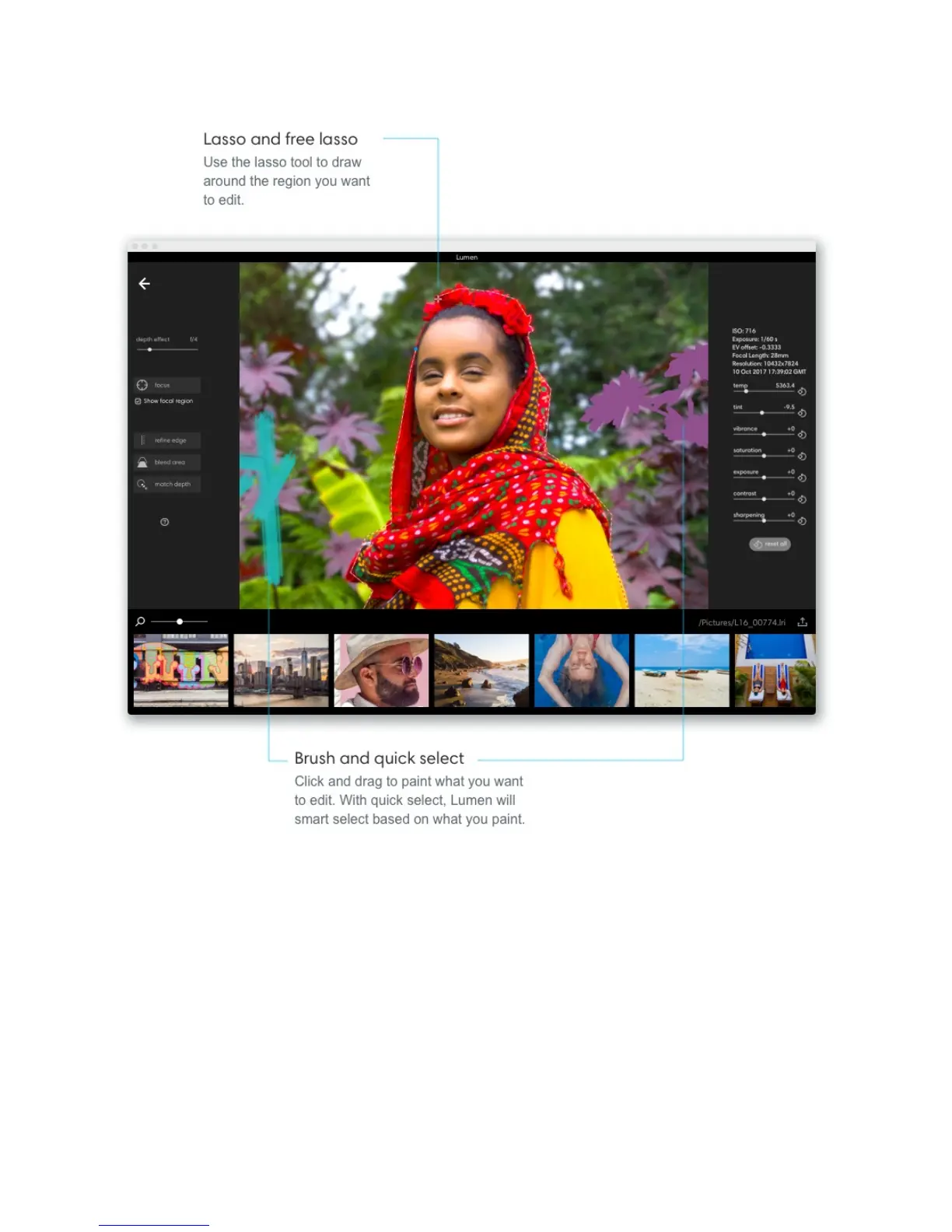
Edit a selection. To remove parts of your selection, click the “–” icon in the pop-up toolbar
and paint the area you want to take away. To add more to your selection, click the “+” icon in
the pop-up toolbar and paint to add to your selection.
Pick a source depth. Once you're finished refining your selected area, click on the
eyedropper tool and choose a point in the image where you would like to match the depth.
Click "apply" to match your selected area to your source depth.



 To Next Page