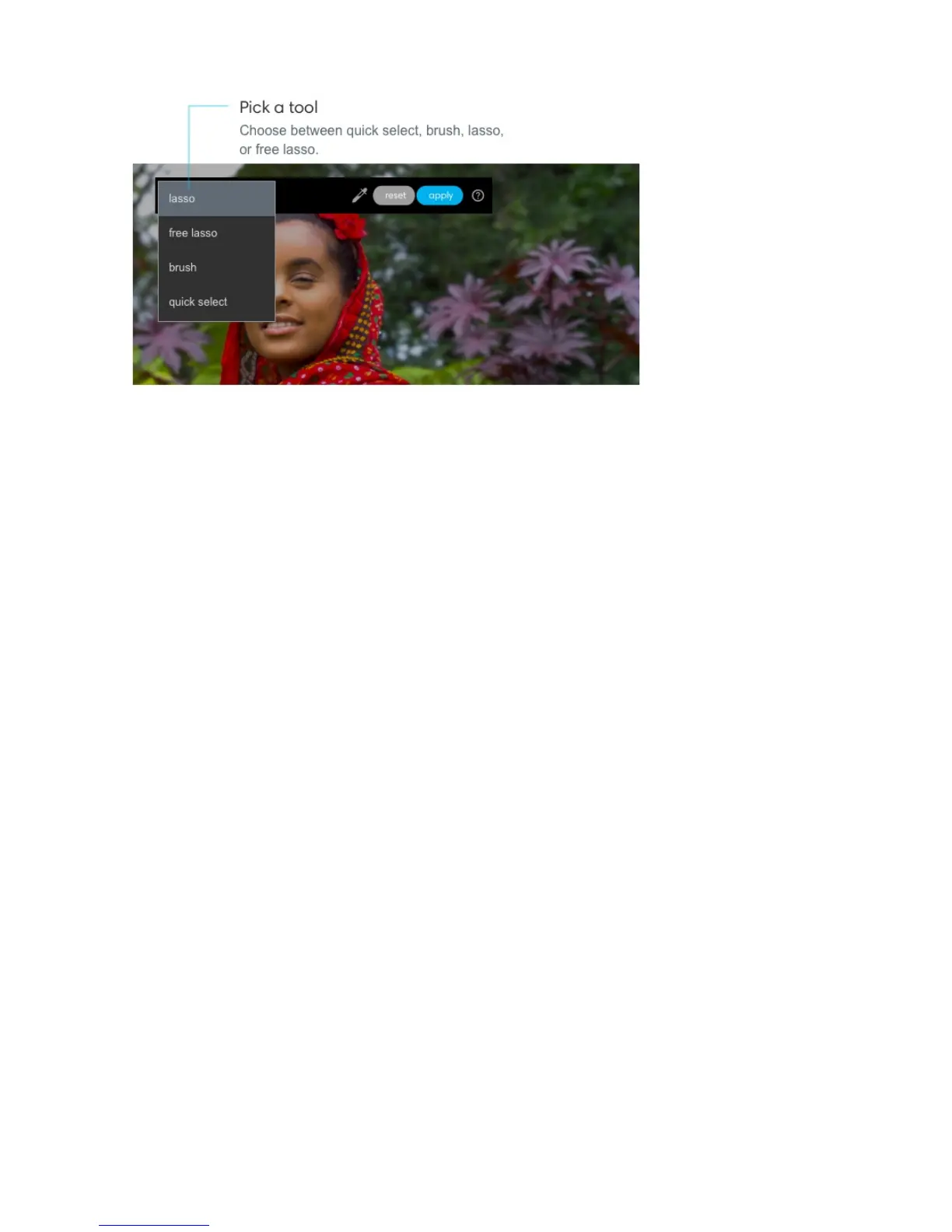
Adjust your brush or point size. Scroll up or down with your mouse wheel or drag two
fingers up or down on your trackpad to increase or decrease the size of your brush. You
cannot adjust point size for the lasso tool or free lasso tool.
Make a selection. Select or paint the area you would like to change. For brush and quick
select, after painting, a pink mask appears over your selected area.



 To Next Page