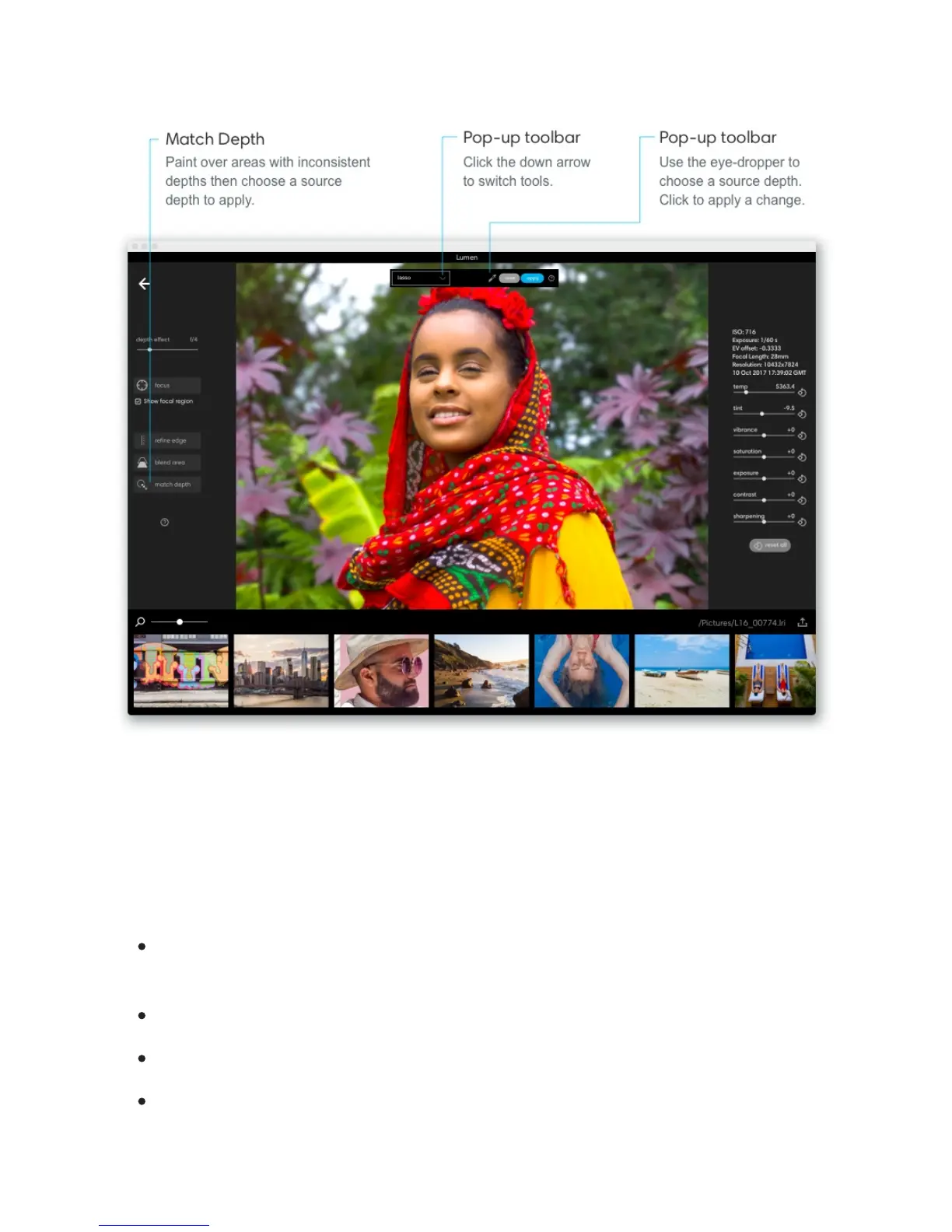
Access the match depth tool. Apply some depth effect to your photo to activate the match
depth tool. Click "match depth" to display the match depth toolbar near the top of your
image.
Change your selection method. Click the icon to the left of plus-minus in the pop-up
toolbar and choose a selection tool:
Quick select – Drag to paint. Lumen will make a smart selection based on the area
you are painting over.
Brush – Drag to paint exactly what you want to edit.
Lasso – Click to draw a polygonal shape around the region you want to edit.
Free lasso – Click to freely draw around the region you want to edit.



 To Next Page