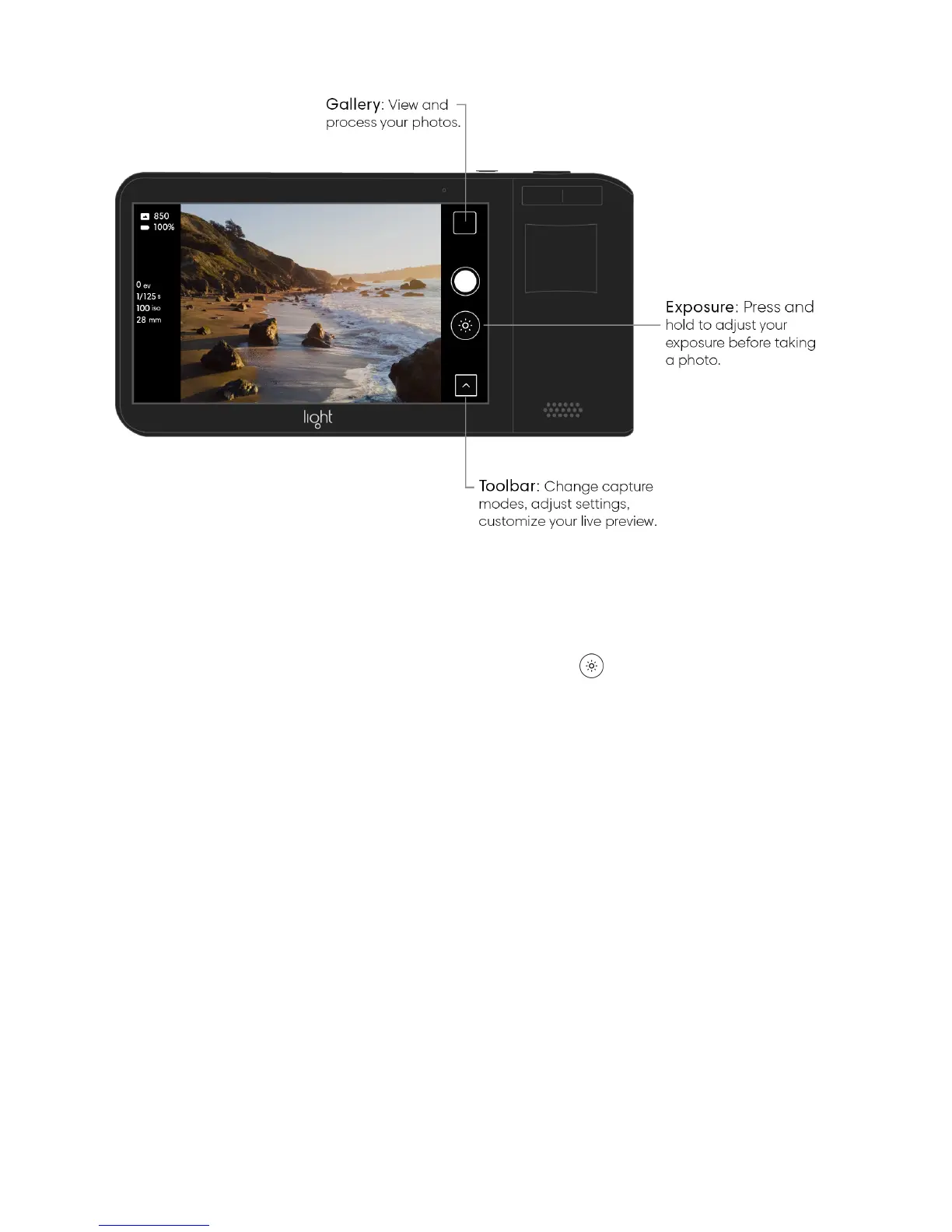
Adjust exposure in auto mode. Auto mode automatically adjusts exposure based on the
scene in front of you. If you’d like, you can make adjustments to the calculated exposure
before taking a photo. Press and hold the Exposure button on the right side of the
screen to open the Exposure slider. While holding the button, move your finger up or down
to set Exposure to your desired value. As you drag up or down, you see a live preview of
your changes.



 To Next Page