View your photos. Tap the gallery icon in the top right corner of your screen to access
the gallery. Swipe left to see your previous photos or swipe up to show your photos in a
filmstrip. Tap a thumbnail in the filmstrip to view a photo.
Zoom in or out. Double-tap or pinch a photo open or closed. Drag to see other parts of the
photo.
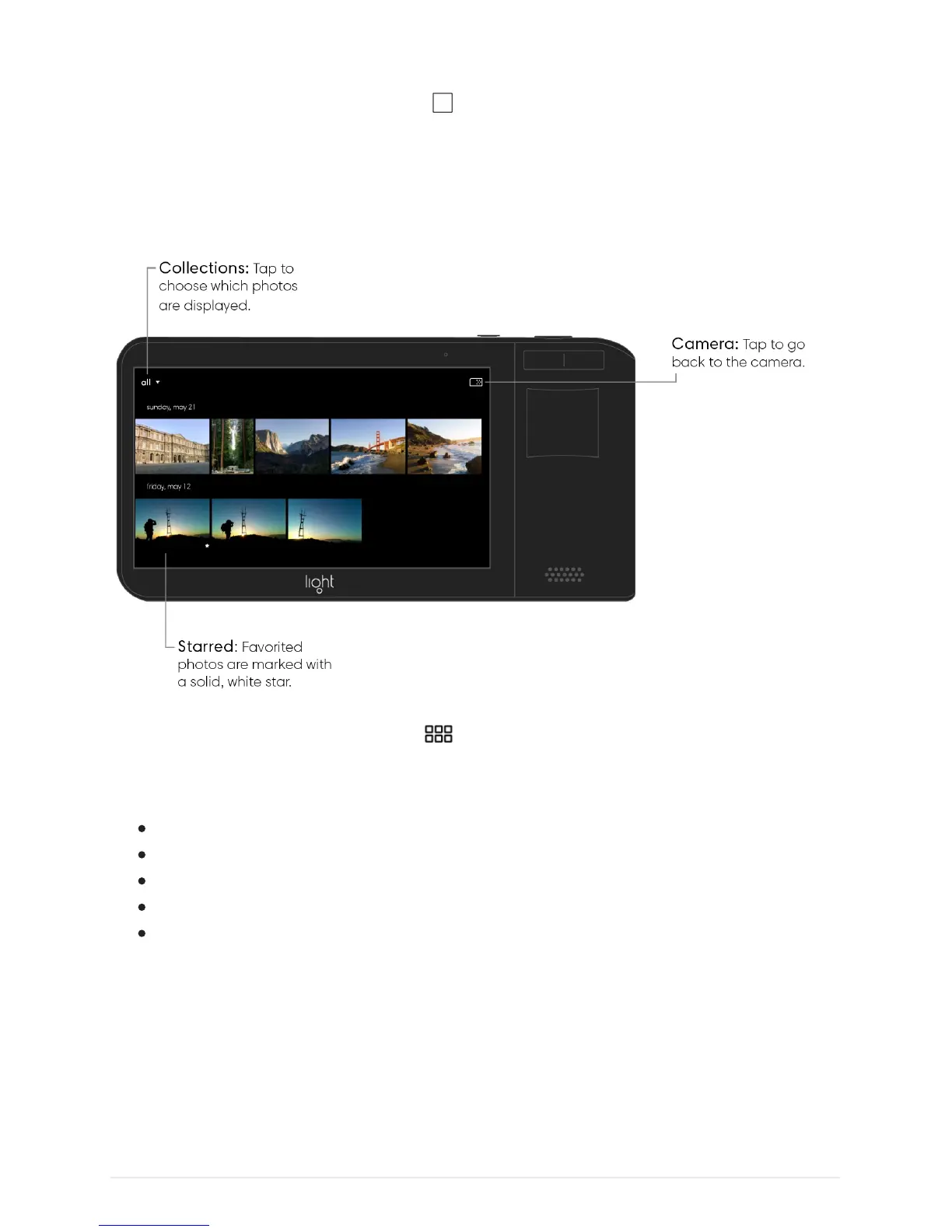
Browse collections. Tap the grid icon in the upper-left corner of the gallery to see all
of your photos organized by date. Tap “all” in the top left corner to change which photos are
displayed. There are several sorting options:
All – show all of your photos excluding deleted items.
Favorited – show only your favorited photos.
Developed – show only your developed photos.
Photo – show only photos.
Deleted – show your deleted photos.



 To Next Page