the 10+ images. Since processing high-resolution photos takes lots of power, we reserved
the ability to develop full-resolution photos (52+ megapixels with 10+ images) for Lumen, the
Light desktop software.
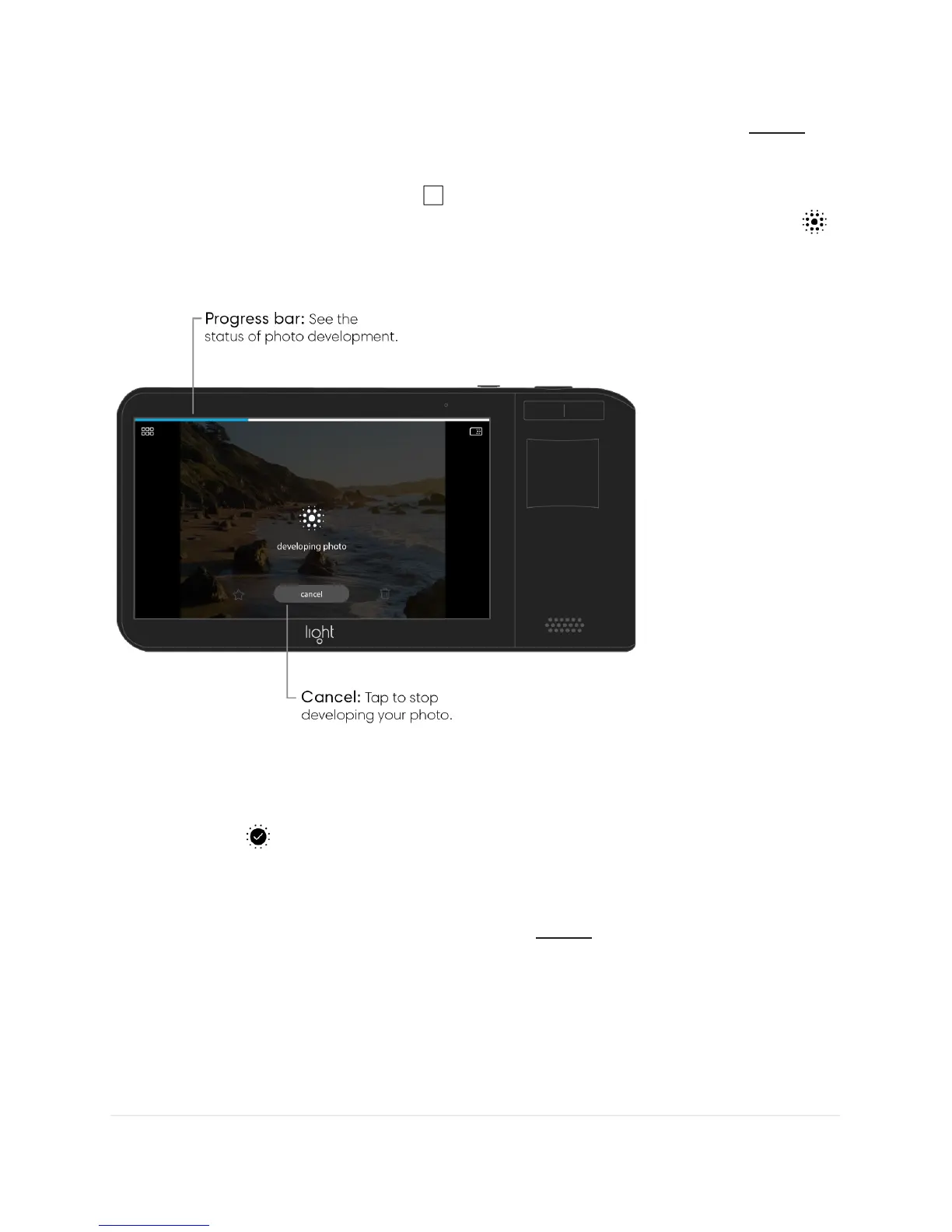
Process a photo. Tap the gallery icon in the top right corner of the camera screen to
access the gallery. Navigate to the photo you wish to process and tap the process icon .
You'll see a progress bar appear at the top of your screen while your photo is fusing its
different images together. This may take a minute.
Your Light L16 will produce a 13-megapixel photo to replace your original unprocessed
photo in the gallery. When finished processing, the icon changes to indicate the photo has
been processed .
Note: Processed photos cannot be unprocessed. However, your original photo will be
unchanged. What you see in the gallery is simply a low-resolution preview of what your final
image will look like. Once you transfer your images to Lumen, you can process full-size
versions of your photos.



 To Next Page