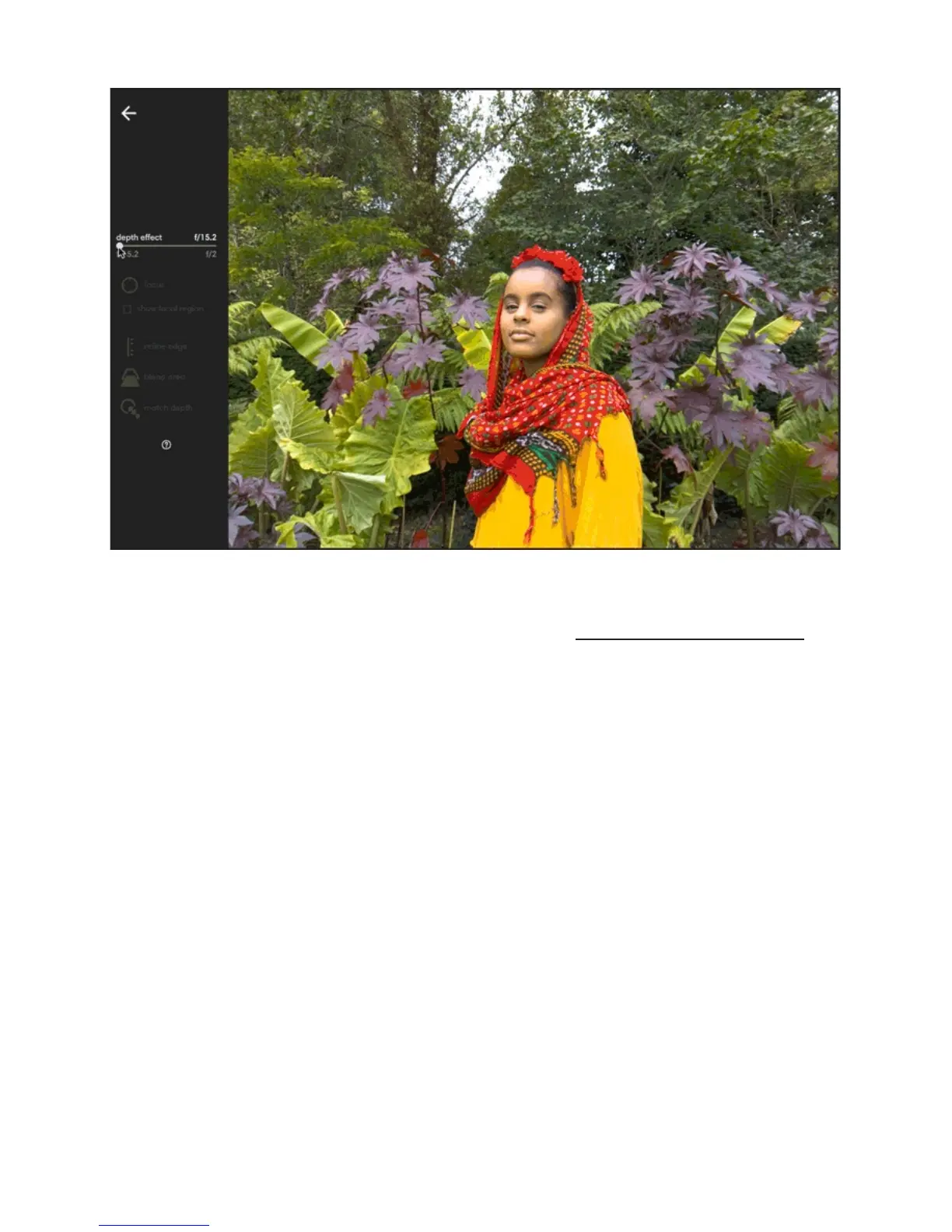
Adjust depth effect. After opening a photo in processing mode, Lumen will process your
photo. When processing is finished, the Depth Effect tool will change from grey to white,
indicating you can use it. The depth effect slider is given in aperture values or f-numbers. To
increase depth effect, drag the slider to the right. As you increase depth, the area around
your focal point begins to blur. The closer you get to the right side of the slider, the more out-
of-focus the areas in front of and behind your focal point will be, simulating the shallow
depth-of-field effect of a wide-aperture lens.



 To Next Page