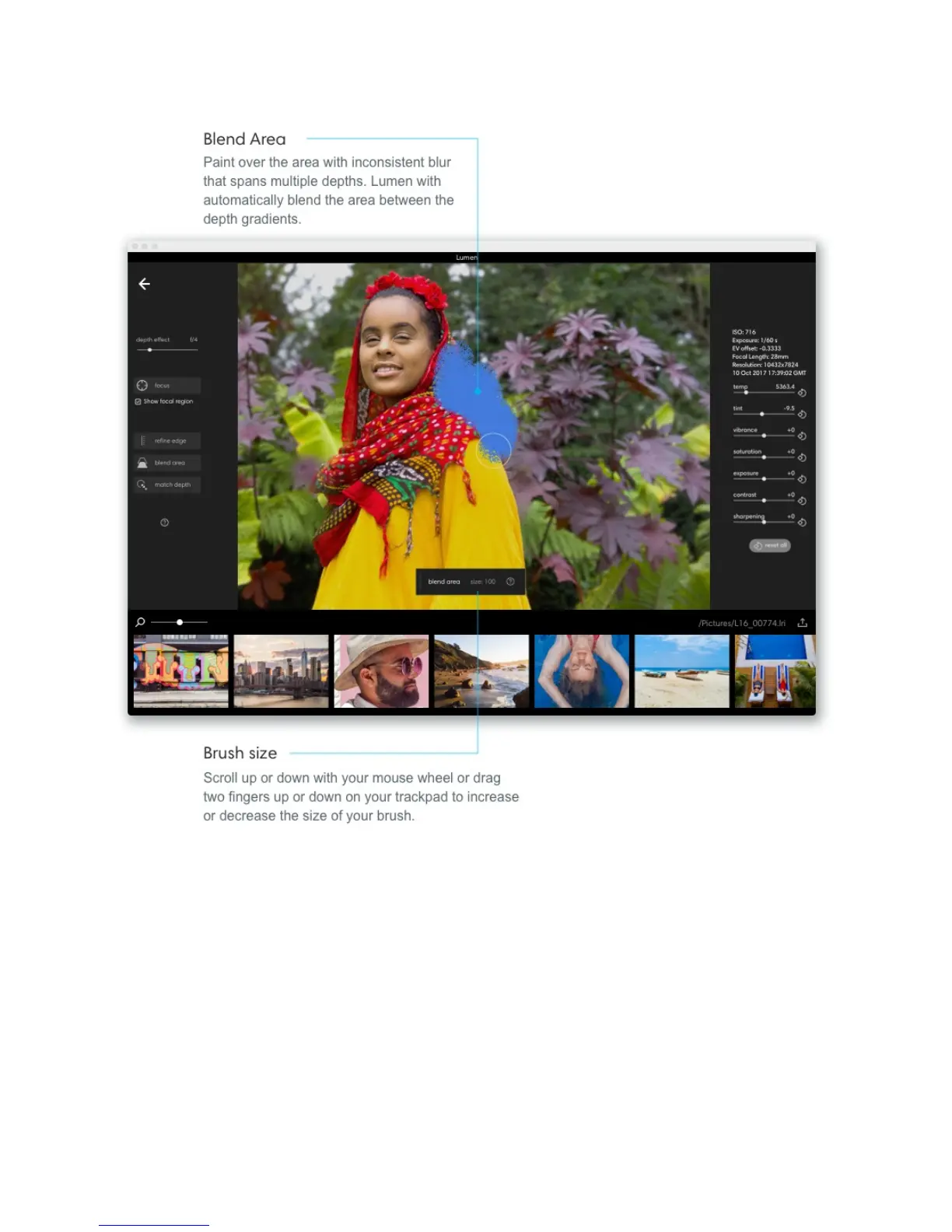
Edit an area with blend area:
1. Zoom in on the inconsistent area or object.
2. Pick a brush size that’s big enough to cover both the inconsistent part and the
surrounding region.
3. Paint a boundary around the inconsistent blur and then fill it in. Lumen will pull the
depth gradients from both the consistent and inconsistent areas and then average
them together.
4. Let go of your cursor: the average depth gradient will be applied to the selected area.



 To Next Page