When not shooting, it’s best to keep your Light L16 screen off.
If you know you won’t be using your Light L16 for an extended period of time, fully
power down the camera before storing it in your case.
Even if you're not using them, Wi-Fi and Bluetooth can consume power. You can turn
both off from the Control Center by swiping down twice from the top of the
touchscreen.
Pro Tip: For information on Light L16’s lithium-ion battery, read Care for your Light L16's
lithium-Ion battery.
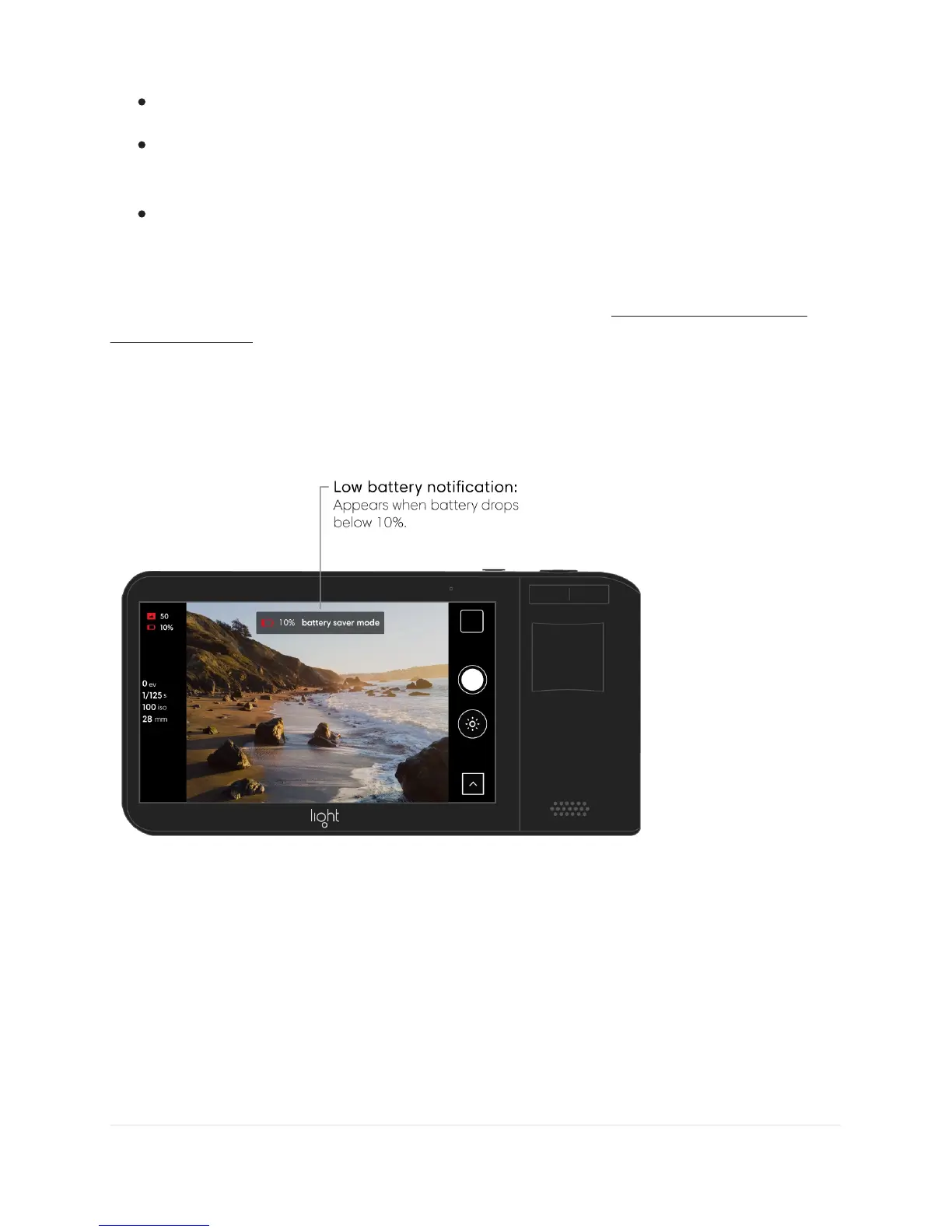
Low battery notification. When battery power drops below 10%, your Light L16 will alert
you with a low battery notification.
Note: Camera functionality requires a minimum power level of 10% in order to move mirrors
and focus lenses properly. Below 10% power, other features such as the gallery and sharing
are still available.



 To Next Page