8-4 CHAPTER 8: OPERATION
ALPHA 552
+
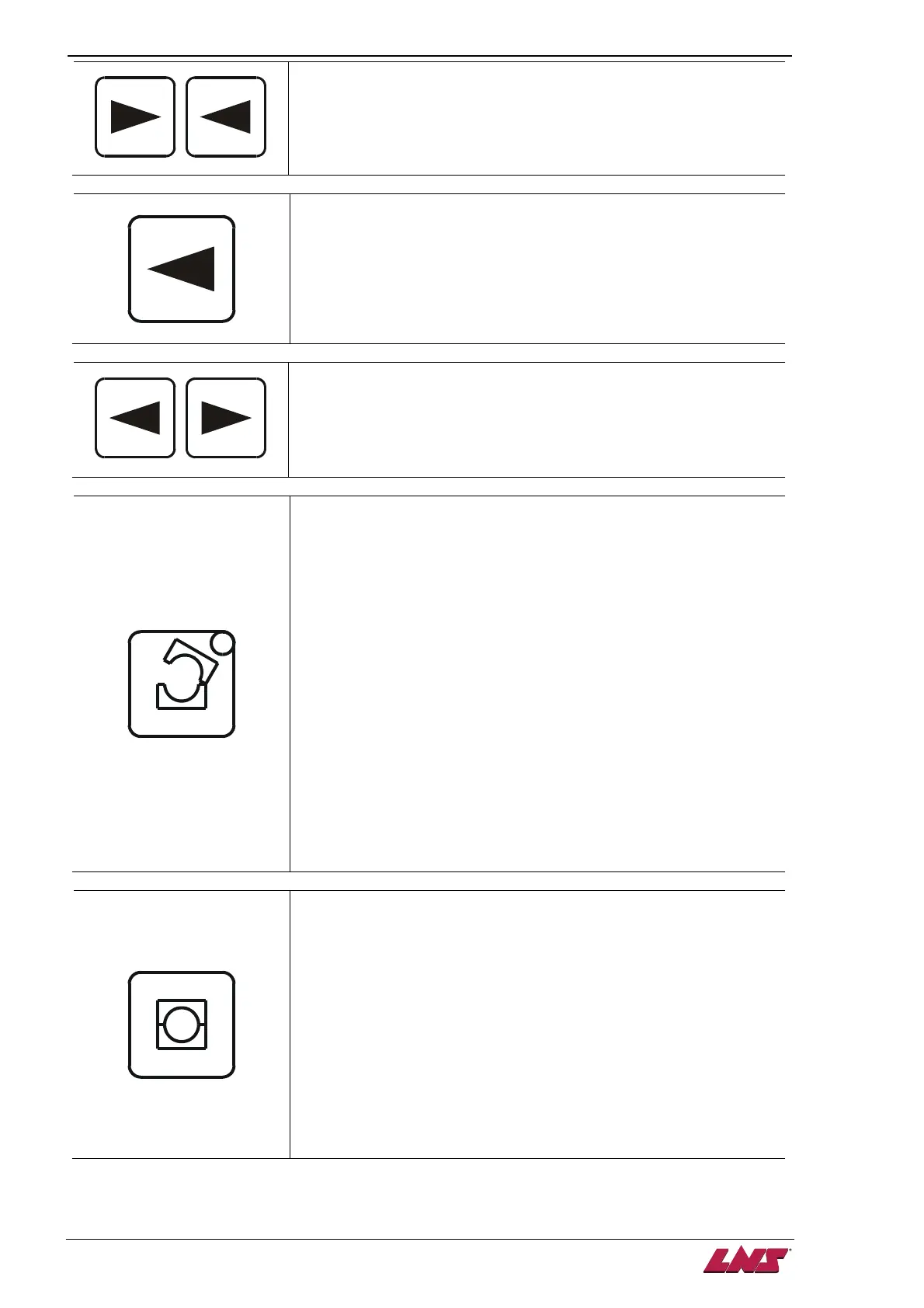
Slow Rightward
Move the pusher rightward with10% of the general forward speed.
Only available when the barfeed system is in MANUAL mode.
Leftward
Move the pusher leftward. Only available when barfeed system is in
MANUAL mode.
+
Slow leftward
Move the pusher leftward with10% of the general forward speed.
Only available when the barfeed system is in MANUAL mode.
Open Channel
By pressing this button, the channel opens by proceeding sequence
below automatically :
• The short pusher moves forward to the material clamping
device.
• The material clamping device clamps the material and the
pusher retracts hence the material is removed from the finger
chuck.
• The channel opens.
To operate this button, the following conditions must be fulfilled :
• The barfeed system is in MANUAL mode
• The pusher is at home position (sensor SQ2 ON)
Load bar
When the channel is open, press the key again to load a bar and
reset the measurement device.
Close Channel
By pressing this button, the actions below will be proceeded by
sequence automatically :
• The short pusher moves forward to the material clamping
device.
• The material clamping device clamps and the pusher retracts
to home position.
• Channel close and the pusher charges forward for insertion.
To operate this button, the following conditions must be fulfilled:
• The barfeed system is in MANUAL mode
• The pusher is at home position (sensor SQ2 ON)












 To Next Page