www.longer3d.com support@longer.net
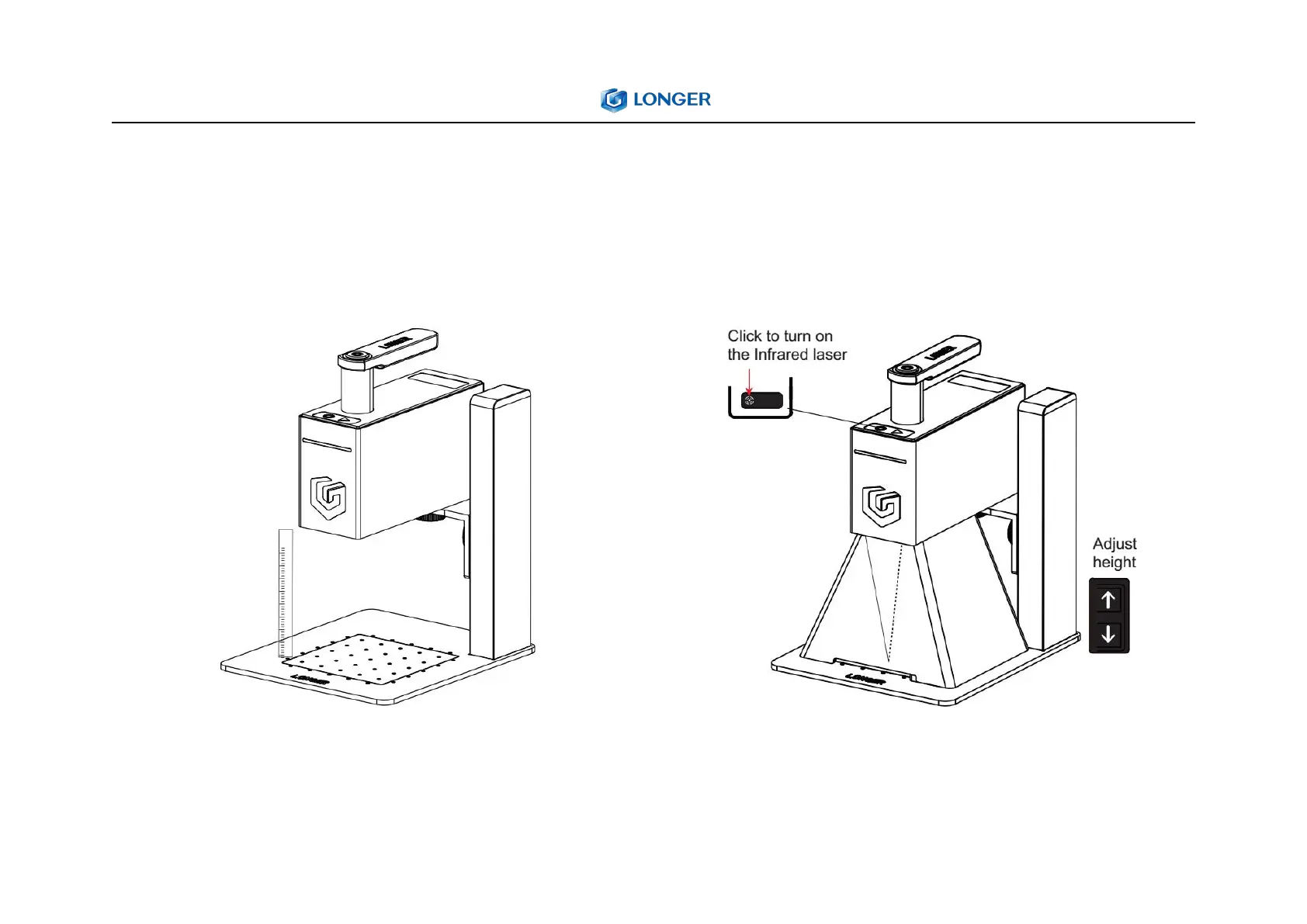
4. Adjust the focus
1) Focus by ruler
Adjust the height of the laser unit by touching the
button of lifting bracket until the bottom of the laser
unit is 110mm away from the surface of engraved object
2) Focus assist by infrared laser
Press the infrared laser button and adjust the height of
the bracket. When the two laser points overlap into one
point, the focus is completed.
Note:The red dot is not the engraving center point, it is
only used for focus reference.



 To Next Page